1
8/16 Channel Digital Video Recorder
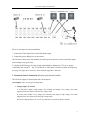
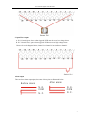
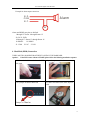
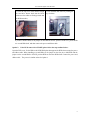
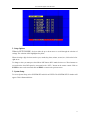
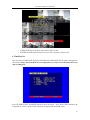
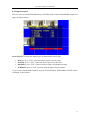
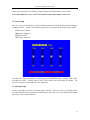
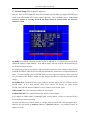
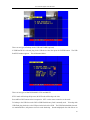
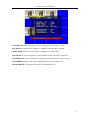
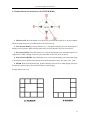
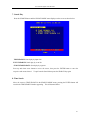
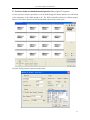
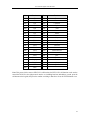
The red blocks indicate the presence of video files at the time selected. The time selections are by year,
month within that year, day of the month, hour and even minutes.
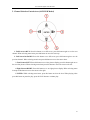
Press the left and right arrow buttons to move the cursor. An input sequence follows for year, month,
day, hour and minute. After the YEAR is selected, press the ENTER button to select the month, and the
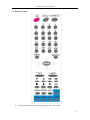
same for day and hour. Press the ADD and DEC (or “-SET+” on the remote control) to modify the time.
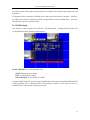
The time refinement can stop at any time as long as there is a red block. If minute is selected, and that
minute has a red block, then pressing the ENTER button will start playing the video from that time.
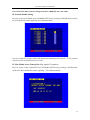
9. Event Search
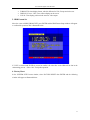
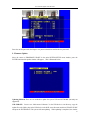
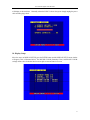
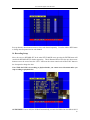
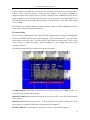
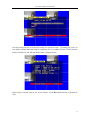
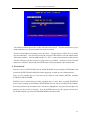
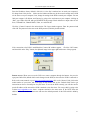
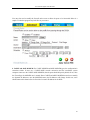
Move the cursor to EVENT SEARCH in the SEARCH MODE menu, pressing the ENTER button will
result in the EVENT SEARCH MASTER window appearing. A sample screen is illustrated below.
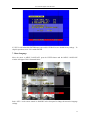
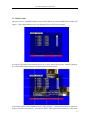
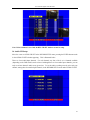
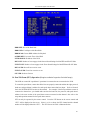
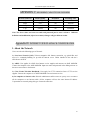
There are four possible types of events that can be listed for each channel: MOTION, ALARM,
SCHEDULE and NETWORK.
MOTION refers to motion alarm recording, ALARM refers to sensor alarm recording, SCHEDULE
refers to time recording (for all channels), and NETWORK refers to network recording (for all channels).
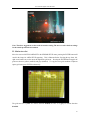
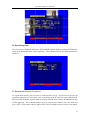
Press the up and down arrow buttons to move the cursor to highlight the event, press left and right arrow
buttons to see the previous or next page. Press the ENTER button to play the segment selected. Press
the SEARCH button to go back to the SEARCH MODE Search Play menu.
44