1
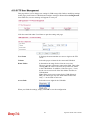
3.9.7 IPv6 Management
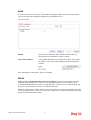
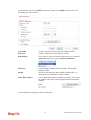
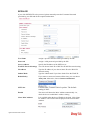
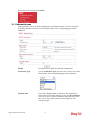
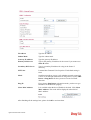
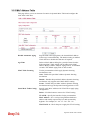
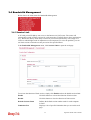
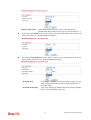
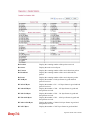
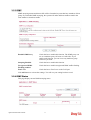
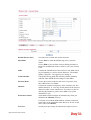
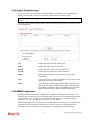
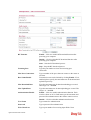
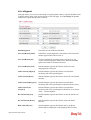
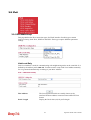
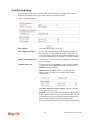
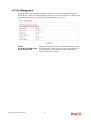
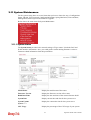
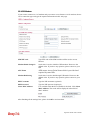
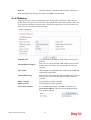
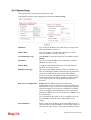
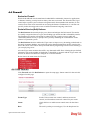
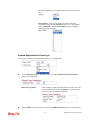
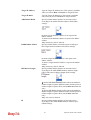
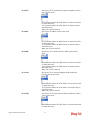
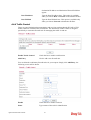
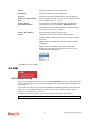
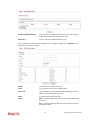
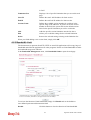
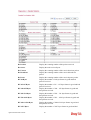
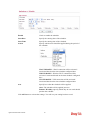
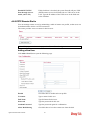
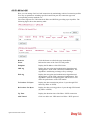
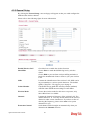
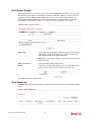
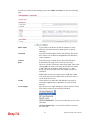
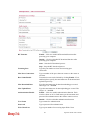
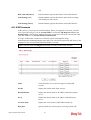
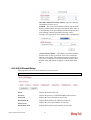
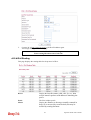
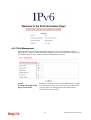
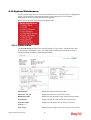
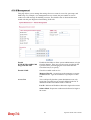
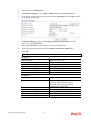
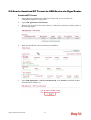
This page allows you to manage the settings for IPv6 access control including settings of
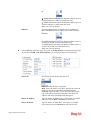
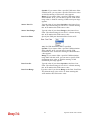
HTTP, HTTPs, SSH, FTP and TELNET by using IPv6 protocol. Check the box and type the
port number respectively to enable the remote management of services.
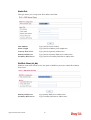
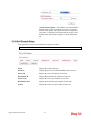
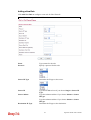
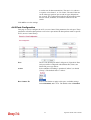
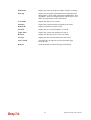
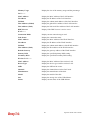
Enable
HTTP/HTTPS/SSH/ICMP
Ping/FTP/TELNET
Vigor2130 Series User’s Guide
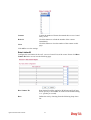
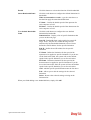
Enable the checkbox to allow system administrators to login
from the Internet. There are several servers provided by the
system to allow you managing the router from Internet.
Check the box(es) to specify.
133