1
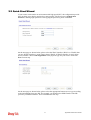
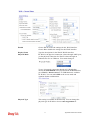
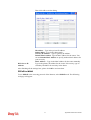
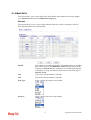
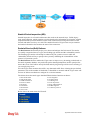
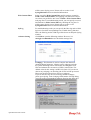
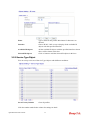
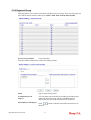
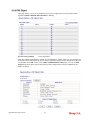
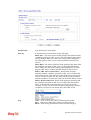
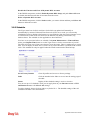
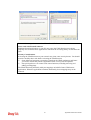
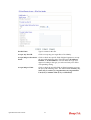
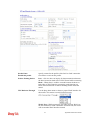
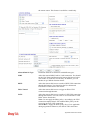
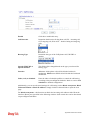
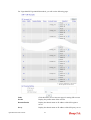
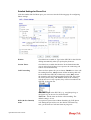
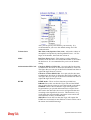
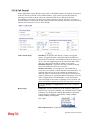
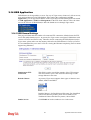
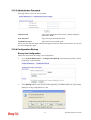
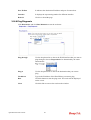
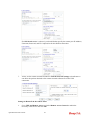
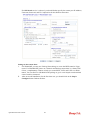
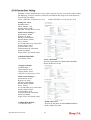
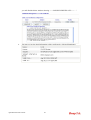
IP Address Assignment
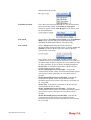
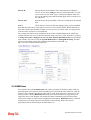
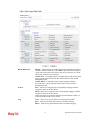
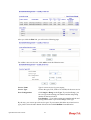
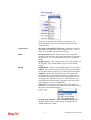
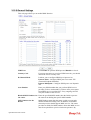
Method (IPCP)
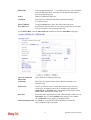
In most environments, you should not change these settings
as most ISPs provide a dynamic IP address for the router
when it connects to the ISP. If your ISP provides a fixed IP
address, check Yes and enter the IP address in the field of
Fixed IP Address.
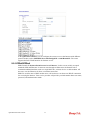
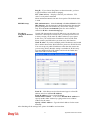
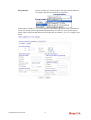
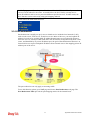
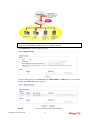
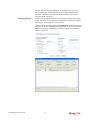
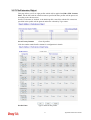
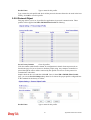
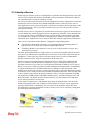
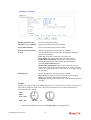
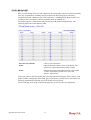
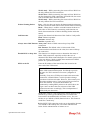
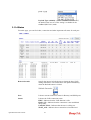
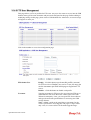
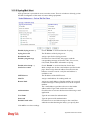
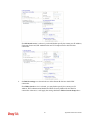
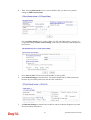
Select Dialing to Dual ISPs if you have more than one ISP. You will be able to dial to both
ISPs at the same time. This is mainly for those ISPs that do not support Multiple-Link PPP
(ML-PPP). In such cases, dialing to two ISPs can increase the bandwidth utilization of the
ISDN channels to 128kbps data speed.
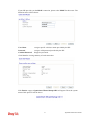
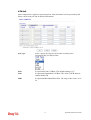
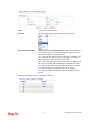
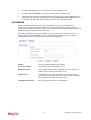
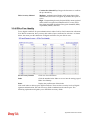
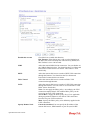
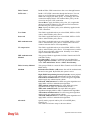
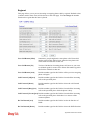
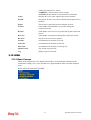
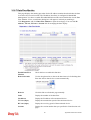
Common Settings
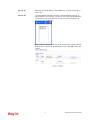
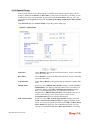
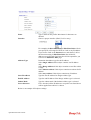
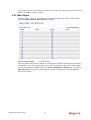
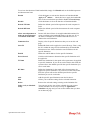
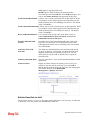
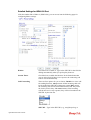
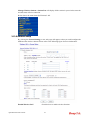
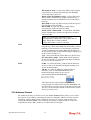
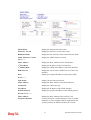
Enable Dual ISPs Function - Check to enable the Dual ISPs
function. Require ISP Callback (CBCP) -If your ISP supports
the callback function, check this box to activate the Callback
Control Protocol during the PPP negotiation.
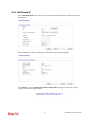
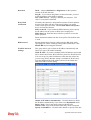
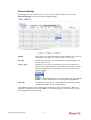
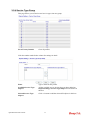
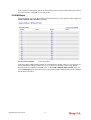
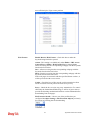
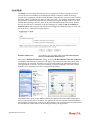
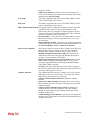
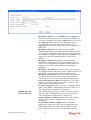
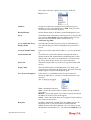
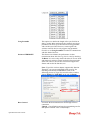
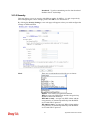
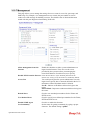
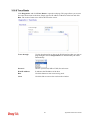
PPP/MP Setup
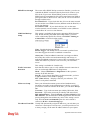
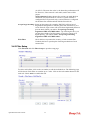
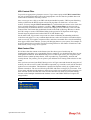
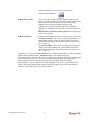
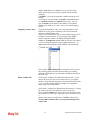
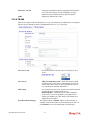
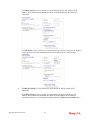
Link Type – There are three link types provided here for
different purpose. Link Disable disables the ISDN dial-out
function. Dialup 128Kbps allows you to use both ISDN B
channels for Internet access. Dialup BOD (for detailed
information of configuration, please refer to section 3.12.4)
stands for bandwidth-on-demand. The router will use only one
B channel in low traffic situations. Once the single B channel
bandwidth is fully used, the other B channel will be activated
automatically through the dialup.
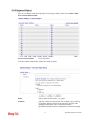
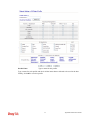
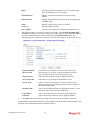
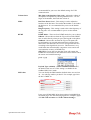
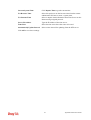
PPP Authentication - PAP only allows you to configure the
PPP session to use the PAP protocol to negotiate the username
and password with the ISP. PAP or CHAP can configure the
PPP session to use the PAP or CHAP protocols to negotiate the
username and password with the ISP.
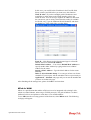
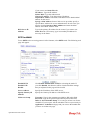
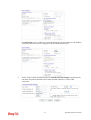
Idle Timeout - Idle timeout means the router will be disconnect
after being idle for a preset amount of time. The default is 180
seconds. If you set the time to 0, the ISDN connection to the
ISP will always remain on.
Vigor2820 Series User’s Guide
188