1
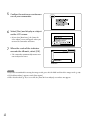
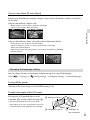
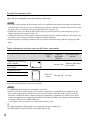
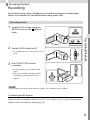
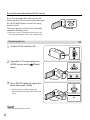
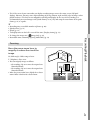
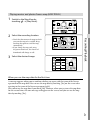
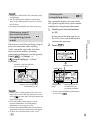
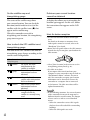
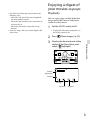
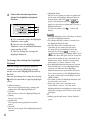
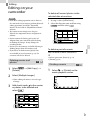
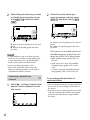
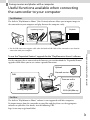
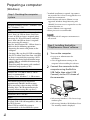
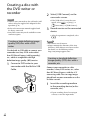
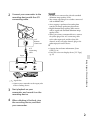
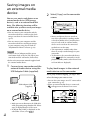
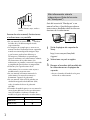
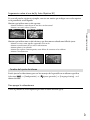
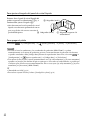
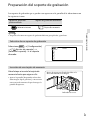
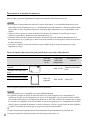
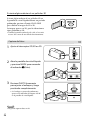
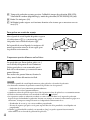
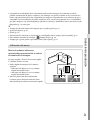
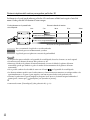
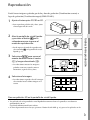
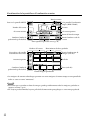
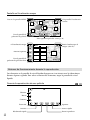
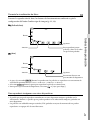
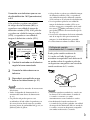
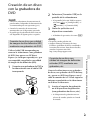
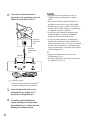
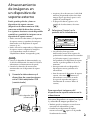
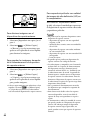
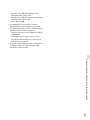
Creating a disc with the DVD writer or recorder Notes Connect your camcorder to the wall outlet (wall socket) using the supplied AC Adaptor for this operation (p. 21) Refer to the instruction manual supplied with the device connected. Sony DVD writer may not be available in some countries/regions. Creating a high definition image quality (HD) disc with a DVD writer Use the built-in USB cable to connect your camcorder to a Sony DVD writer other than DVDirect Express (sold separately), etc., which is compatible with high definition image quality (HD) movies. 1 Connect a DVD writer to your camcorder with the Built-in USB Cable. 2 Select [USB Connect] on the camcorder screen. 3 Record movies on the connected device. Creating a standard definition image quality (STD) disc with a recorder, etc. Connect your camcorder to a disc recorder, a Sony DVD writer, etc., other than DVDirect Express, with the A/V connecting cable. You can copy images played back on your camcorder on a disc or video cassette. Insert the recording medium in the recording device (a disc recorder, etc.). US After the operation is completed, select . Notes You cannot save 3D movies. Always maintain the firmware of the Sony DVDirect (DVD Writer) to its latest version. For details, see the following website. http://sony.storagesupport.com/ 1 66 If the [USB Select] screen does not [Setup] appear, select [ Connection] [USB Connect]. If your recording device has an input selector, set it to the input mode.