1
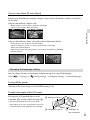
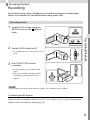
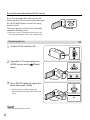
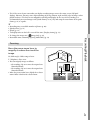
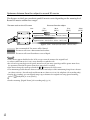
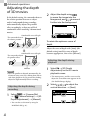
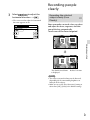
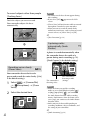
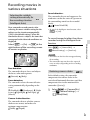
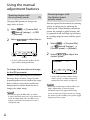
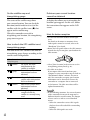
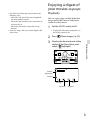
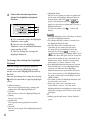
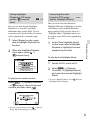
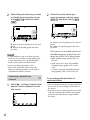
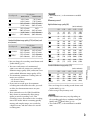
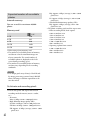
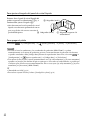
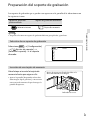
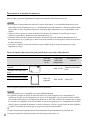
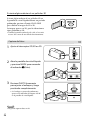
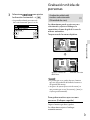
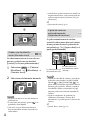
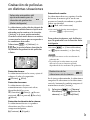
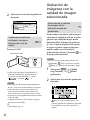
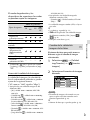
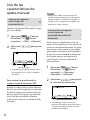
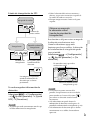
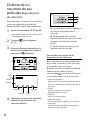
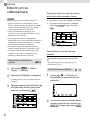
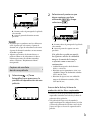
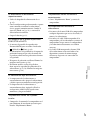
Using the manual adjustment features Shooting images with the Shutter Speed priority mode Shooting images with the iris priority mode Changing IRIS parameter changes the range that is in focus. 1 Select [Camera/Mic] [ Manual Settings] [IRIS] [Manual]. 2 Select / to adjust the iris. You can express the movement of a moving subject in various way by adjusting the shutter speed. When shooting a mountain stream, for example, a splash of water will be captured clearly with high speed shutter, or a trailing image of water with low speed shutter. 1 Select [Camera/Mic] [ Manual Settings] [Shutter Speed] [Manual]. 2 Select / shutter speed. F-value to adjust the As the F-value becomes smaller, the iris opens and the background blurs. To change the atmosphere of image by the IRIS parameter Smaller F-value (opening the iris) narrows the range that is in focus. Larger F-value (narrowing down the iris) widens the range that is in focus. Open the iris to blur the background, or narrow down the iris to sharpen the whole image. US 46 Notes Even if you open the IRIS wider (a smaller F-value) than F3.4 when you set the zoom lever to the W (Wide angle) side, the IRIS is reset to F3.4 as you move the zoom lever to the T (Telephoto) side. As the value becomes smaller (slower shutter speed), a trailing image of the movement of the subject is captured. Notes When you record images under a fluorescent lamp, sodium lamp, or mercury lamp, horizontal stripes may appear, flicker may occur, or color may change. In this case, change the shutter speed according to the power supply frequency in your region.