1
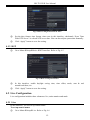
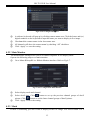
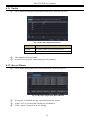
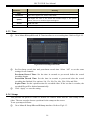
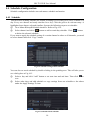
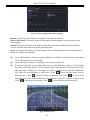
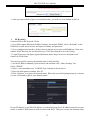
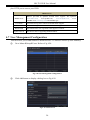
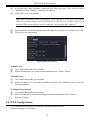
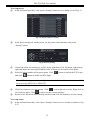
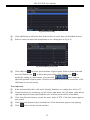
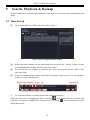
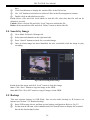
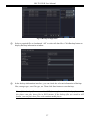
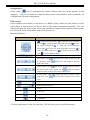
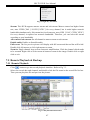
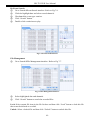
HD-TVI DVR User Manual 4.4 Schedule Configuration Schedule configuration includes two sub menus: schedule and motion. 4.4.1 Schedule This tab allows defining schedule for normal recording for seven days of a week, 24 hours of a day. Every row denotes an hourly timeline for a day. Click the grid to do relevant setup. A highlighted area denotes selected timeline. Operate the following steps to set schedule: ① Go to MenuSetupSchedule interface. Refer to Fig 4-14. ② Select channel and click “ ” button to add a certain day schedule. Click “ ” button to delete the selected schedule. If you want to apply the schedule setting of a certain channel to other or all channels, you need to select channel and click “Copy” button. Fig 4-14 Schedule Configuration-Schedule You can also set week schedule by double-clicking in the grinding area. This will take you to see a dialog box as Fig 4-15. ① Select a day and click “Add” button to set start time and end time. Then click to save. ② Select other days and add schedule or copy settings from one schedule to the others under the Apply Settings To item. Fig 4-15 Schedule-Week Schedule 18