1
Commissining the Driver
4
Commissioning the Driver
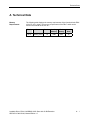
General
Information
All statements in the following sections referring to STEP7 or configuring or
setting parameters for CP-PtP, CP341 or the Driver are related to the STEP7Version 5.3 SP3.
Operation flows, names and directory names might be different in other STEP7
versions.
4.1
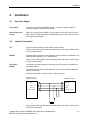
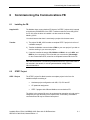
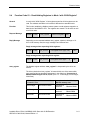
Installing the Driver on the STEP 7 Programming Device / PC
Prerequisites
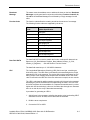
To make the driver installation possible, a STEP7-Package and the
Parameter Assignment Tool CP: Point-to-Point Communication, Parameter
Assignment must have been installed before.
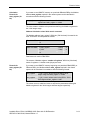
Installation
Installation of the driver consisting of driver code and driver specific configuration
screens for STEP7:
Insert your Modbus ASCII Driver CD into the CD-ROM drive and follow step-bystep the instructions that are automatically displayed by the installation program.
If the installation program fails to automatically run, perform these steps:
1. Using Windows Explore, navigate to the CD-ROM drive and go to the directory
MODBUS_ASCII_SLAVE and double-click Setup.EXE file to start the
installation procedure.
2. Follow step-by-step the instructions that are displayed by the installation
program.
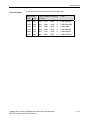
Result: The driver and the parameterization masks are installed in the following
directory: [c:\Program Files\]SIEMENS\Step7\S7fptp\S7Driver where the
contents of [ ] are selectable during the installation procedures
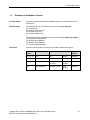
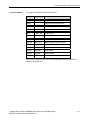
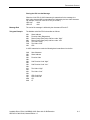
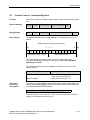
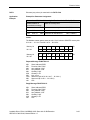
The directory includes the following files:
•
S7wfpnab.dll
•
S7wfpnax.cod
•
S7wfpnbx.cod
Loadable Driver CP341: MODBUS ASCII Slave with 32-Bit Extensions
6ES7870-1CA00-0YA0; Manual Edition 1.0
4-1