1
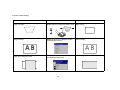
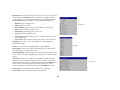
Settings menu
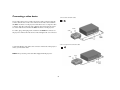
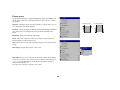
Audio: allows adjustments to the volume.
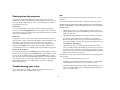
Sources: allows you to assign a particular input to a specific source key
when using an optional remote. Also allows selection of a default Power-up
Source and enables or disables Autosource.
Audio
Settings
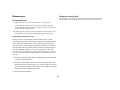
Sources>Autosource: When Autosource is not checked, the projector
defaults to the source selected in Power-up Source. If no source is found, a
blank screen displays. When Autosource is checked, Power-up Source
determines which source the projector defaults to at startup. If no signal is
present, the projector checks the sources in order until a source is found or
until power down.
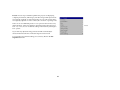
Sources>Power-up Source: this determines which source the projector
checks first for active video during power-up.
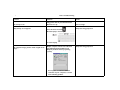
Sources>Source Enable: When Autosource is selected, the Source Enable
feature indicates which sources the projector attempts to lock onto. You can
use the Source Enable feature to eliminate certain sources from this search,
which will speed the search. By default, the check boxes for all sources are
checked.
Sources
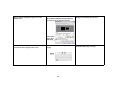
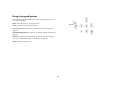
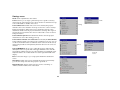
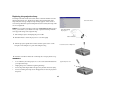
System>OSD Offset: allows you to adjust the position of the OSD. By
default, the menus are positioned in the upper lefthand corner of the displayed image and the messages are positioned in the lower lefthand corner.
Adjust the offset to move these items more to the right and middle of the
display.
Power-up
Source
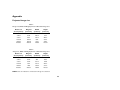
Rear: reverses the image so you can project from behind a translucent
screen.
Auto Power: When Auto Power is checked, the projector automatically
goes into the startup state after the projector is powered on.
Display Messages: displays status messages (such as “Searching” or
“Mute”) in the lower-left corner of the screen.
System
23