1
IPSec VPN QoS Router
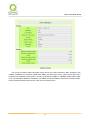
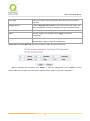
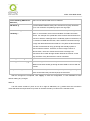
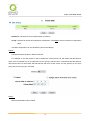
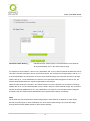
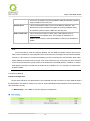
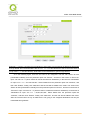
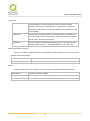
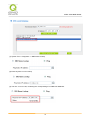
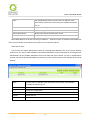
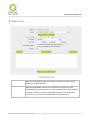
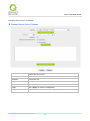
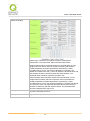
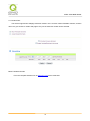
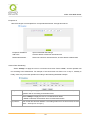
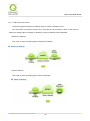
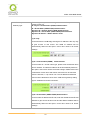
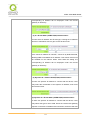
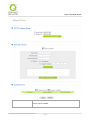
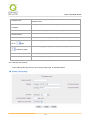
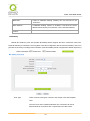
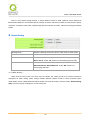
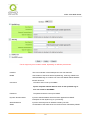
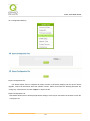
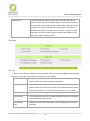
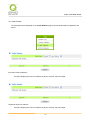
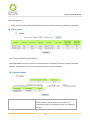
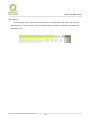
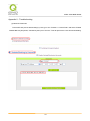
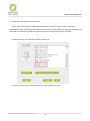
Reference: When this VPN tunnel is connected, computers with the
IP address of 192.168.1.0 can establish connection.
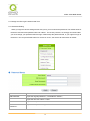
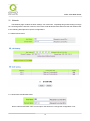
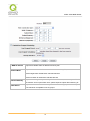
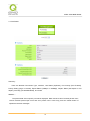
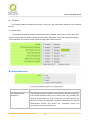
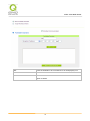
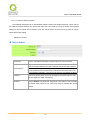
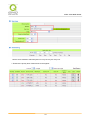
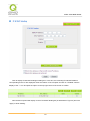
2. Subnet
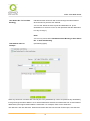
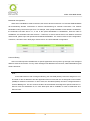
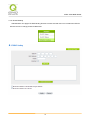
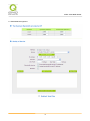
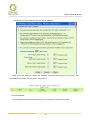
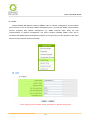
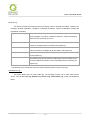
This option allows local computers in this subnet to be connected to
the VPN tunnel.
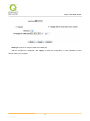
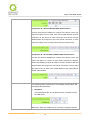
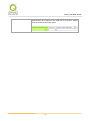
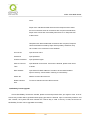
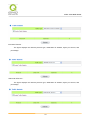
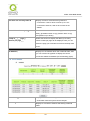
Reference: When this VPN tunnel is connected, only computers
with the session of 192.168.1.0 and with subnet mask as
255.255.255.0 can connect with remote VPN.
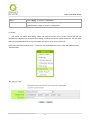
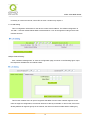
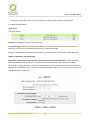
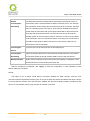
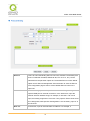
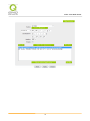
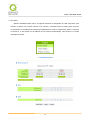
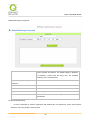
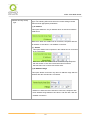
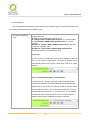
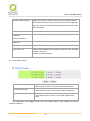
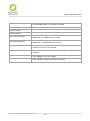
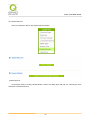
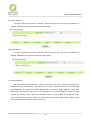
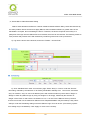
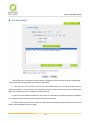
3. IP Range
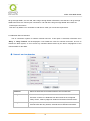
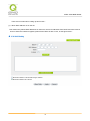
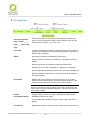
This option allows connection only when IP address range which is
entered after the VPN tunnel is connected.
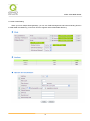
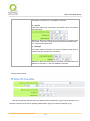
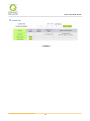
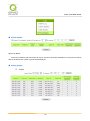
Reference: When this VPN tunnel is connected, computers with the
IP address of 192.168.1.0 ~254 can establish connection.
124