1
Document Reference No.: FT_000289
Vinculum II User Guide
AN_151 User Manual Version 1.4.0-SP1
Clearance No.: FTDI# xxx
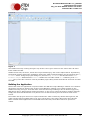
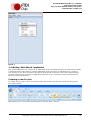
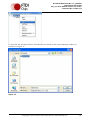
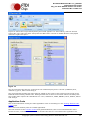
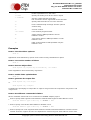
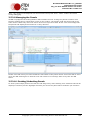
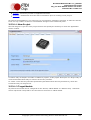
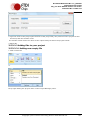
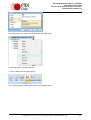
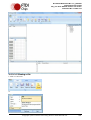
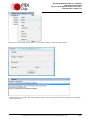
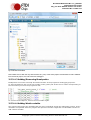
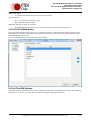
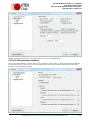
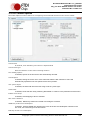
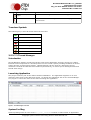
2.Type the name of the project (the filename of the project file), the path where the project file will
be saved, and the solution name.
The solution name will be the name of the output binary file when the project is built.
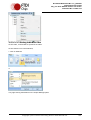
3.Select OK.
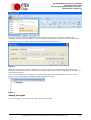
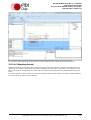
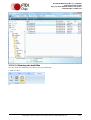
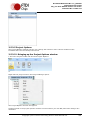
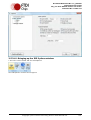
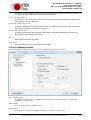
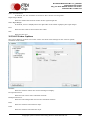
3.5.3.2.2 Adding files to your project
3.5.3.2.2.1 Adding new empty file
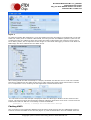
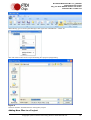
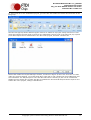
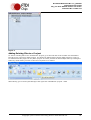
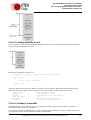
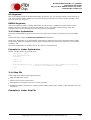
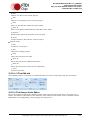
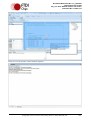
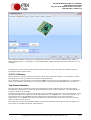
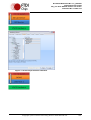
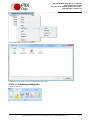
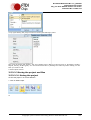
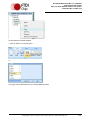
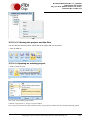
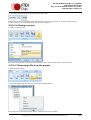
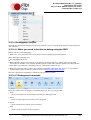
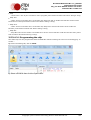
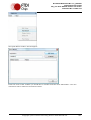
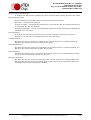
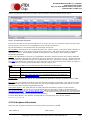
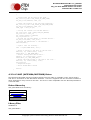
1.Click on New File
or
Or by right-clicking the project node on the Project Manager panel.
Copyright © 2011 Future Technology Devices International Ltd.
151