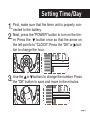
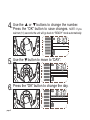
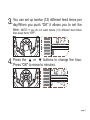
the
or
buttons to change the number.
4. Use
Press the “OK” button to save changes.
NOTE: If you
wait ten (10) seconds the unit will go back to “READY” mode automatically.
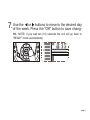
5. Use the
button to move to “DAY”.
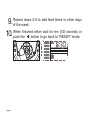
6. Press the “OK” button to change the day.
page 5