1
User’s Manual
On-Screen Display
Menu
How to adjust
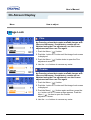
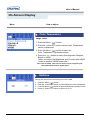
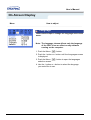
Language
Follow these steps to change the language used in the
menu.
Note : The language chosen affects only the language
of the OSD. It has no effect on any software
running on the computer.
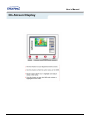
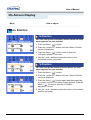
1. Push the Menu (
) button.
2. Push the - button or + button until the Languages screen
is displayed.
3. Push the Menu (
selection screen.
) button to open the languages
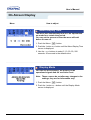
4. Use the - button or + button to select the language
you would like to use.