1
Modules
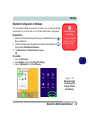
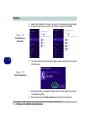
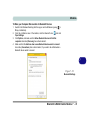
SATA RAID Setup Procedure (Windows 8.1)
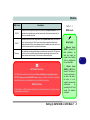
To configure your RAID (Redundant Array of Independent Disks) system in Striping (RAID 0) or Mirroring (RAID 1) modes (see Table 7 - 1, on page 7 - 3) you will
require at least two identical (see sidebar) hard disks.
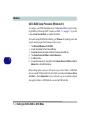
You need to setup a RAID before installing your Windows 8.1 operating system, and
you will need to prepare the following in order to do so.
7
1.
2.
3.
4.
5.
6.
The Microsoft Windows 8.1 OS DVD.
A hard disk installed in the Primary HDD bay.
A second (identical) hard disk installed in the Secondary HDD bay.
The Device Drivers & Utilities + User’s Manual disc.
A USB flash drive.
An operable computer (to copy files from the Device Drivers & Utilities + User’s
Manual disc to the USB flash drive).
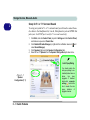
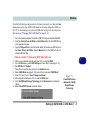
Before setting up the system you will need to copy a driver folder to a USB flash
drive or external USB hard disk. This driver folder is included on the Device Drivers
& Utilities + User’s Manual disc but you will need to go to an operable computer
and copy the folder to a USB Flash drive or external USB hard disk.
7 - 4 Setting Up SATA RAID or AHCI Mode