1
Chapter 15
Tracking
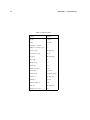
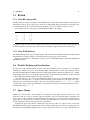
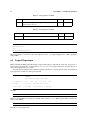
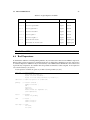
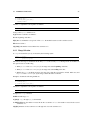
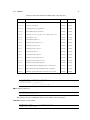
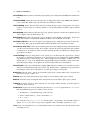
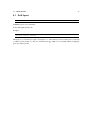
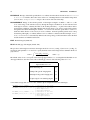
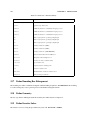
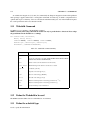
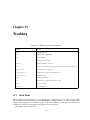
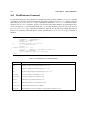
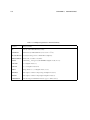
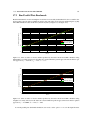
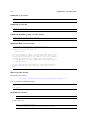
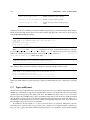
Table 15.1: Commands accepted in Tracking Mode
Command
Purpose
TRACK
Enter tracking mode
LINE
Label of LINE or SEQUENCE
BEAM
Label of BEAM
DT
Initial time step for tracking
MAXSTEPS
The maximal number of time steps
ZSTOP
Defines a z-location [m], after which the simulation stops when SP OS > ZST OP
STEPSPERTURN
The timsteps per revolution period
TIMEINTEGRATOR
Defines the time integrator used in OPAL- CYCL
name=expression
Parameter relation
START
Define initial conditions
RUN
Run particles for specified number of turns or steps
TSAVE
Save end conditions
ENDTRACK
Leave tracking mode
15.1
Track Mode
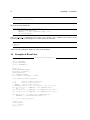
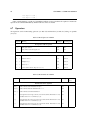
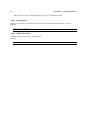
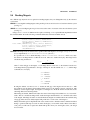
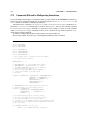
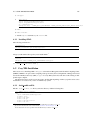
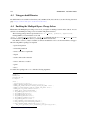
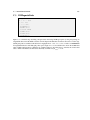
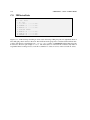
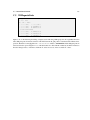
Before starting to track, a beam line (see §9) or sequence (see §??) and a beam (see §10.1) must be selected. The
time step (DT) and the maximal steps to track (MAXSTEPS) or ZSTOP should be set. This command causes
OPAL to enter “tracking mode”, in which it accepts only the track commands (see Tab. 15.1). Several tracks can
be defined in a sequence and all parameters are always local to the actual step.
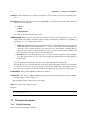
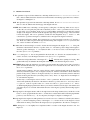
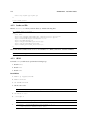
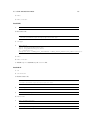
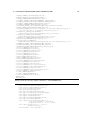
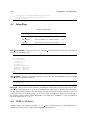
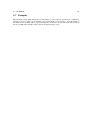
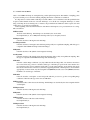
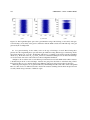
The attributes of the command are:
119