1
TORQUE Administrator's Guide
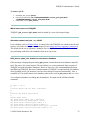
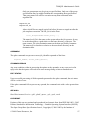
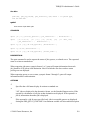
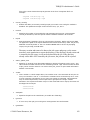
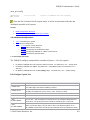
set
set
set
set
set
set
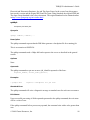
server
server
server
server
server
server
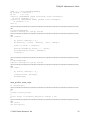
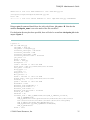
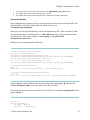
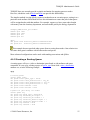
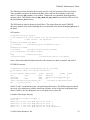
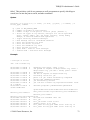
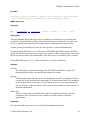
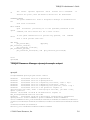
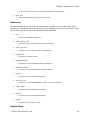
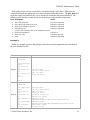
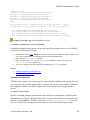
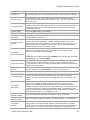
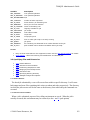
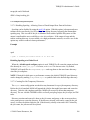
node_check_rate = 150
tcp_timeout = 6
mom_job_sync = True
pbs_version = 2.2.2
keep_completed = 300
submit_hosts = jakaa
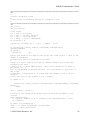
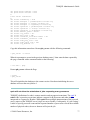
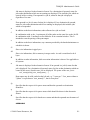
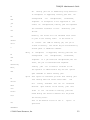
Note that in this setup, node12 and node13 had to be explicitly added to the acl_hosts lists. This
requirement was removed by having the code automatically add the names in the server_name
file to the acl_hosts list.
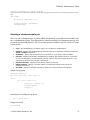
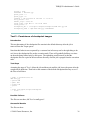
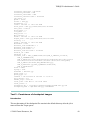
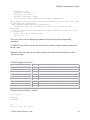
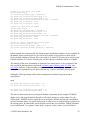
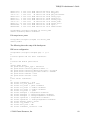
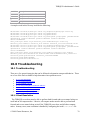
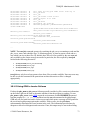
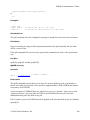
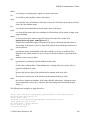
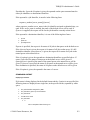
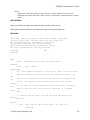
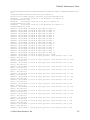
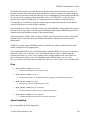
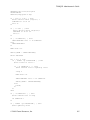
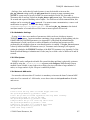
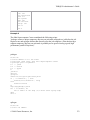
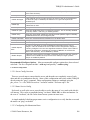
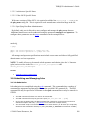
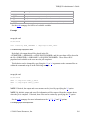
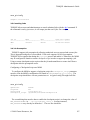
The following shows the processes running on all of the machines.
Running instances of PBS processes
root@jakaa:/var/spool/torque# ps -ef|grep pbs
root
11548
1 0 11:34 ?
00:00:00 pbs_mom
root
19305
1 0 11:42 ?
00:00:00 pbs_sched
root@node12:/var/spool/torque# ps -ef|grep pbs
root
4992
1 0 11:38 ?
00:00:00 pbs_server --ha
root@node12:/var/spool/torque# ps -ef|grep pbs
root
15190
1 0 13:11 pts/0
00:00:00 pbs_server --ha
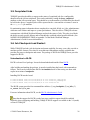
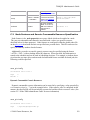
5.0 Interfacing with a Scheduler
5.1 Integrating Schedulers for TORQUE
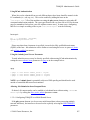
Selecting the cluster scheduler is an important decision and significantly affects cluster
utilization, responsiveness, availability, and intelligence. The default TORQUE scheduler,
pbs_sched, is very basic and will provide poor utilization of your cluster's resources. Other
options, such as Maui Scheduler or Moab Workload Manager are highly recommended. If using
Maui/Moab, refer to the Moab-PBS Integration Guide. If using pbs_sched, start this daemon
now.
If you are installing ClusterSuite, TORQUE and Moab were configured at installation for
interoperability and no further action is required.
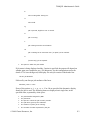
6.0 Configuring Data Management
6.1 SCP/RCP Setup
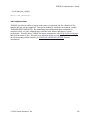
To use scp based data management, TORQUE must be authorized to migrate data to any of the
compute nodes. If this is not already enabled within the cluster, this can be achieved with the
© 2009 Cluster Resources, Inc.
61