1
DDDEvent List
IP Camera provides multiple event settings.
111Event Setting
aaaMotion Detection
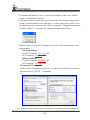
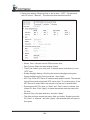
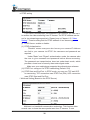
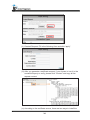
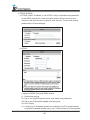
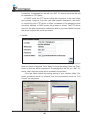
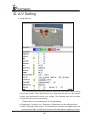
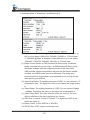
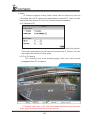
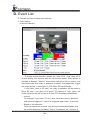
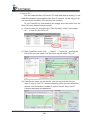
To enable motion detection, please tick "Area 1/2/3". Click "Area 1/2/3"
in Area Setting, and draw an area on the preview screen. When motion in
the area is detected, "Motion!" word will be marked on the live screen, and
the camera can send video or snapshot to specific mail addresses, trigger
the output devise, or save video to FTP/ Micro SD card/ Samba.
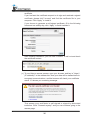
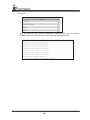
If you select "save to SD card", the video or sanpshot will be saved to
Micro SD card. If you also tick E-mail/ FTP/ Samba of "Log" option, the
motion detection log will be sent to E-mail/ FTP/ Samba simultaneously.
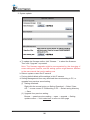
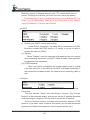
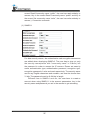
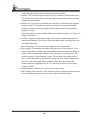
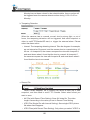
•• Intervel:
For example, if you select "10 sec" here, once the motion is detected
and action is triggered, it cannot be triggered again within 10 seconds.
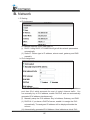
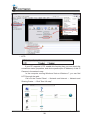
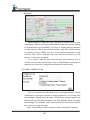
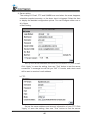
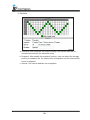
•• Based on the schedule:
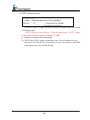
When the option box is ticked, only during the selected schedule time
the motion detection is enabled. That is, for example, the 11th hour of
54