1
.
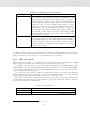
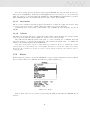
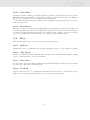
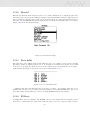
In order to change the base frequency value press the ENTER key after the Audio Frequencies
menu option is highlighted. This action will highlight the Base Frq value so it can be increased
using the UP key, or decreased using the DOWN key. The ENTER key should then be pressed,
thus confirming the Base Frq setting. The preset value for Base Frq is 700 Hz.
13.3.5
Increments
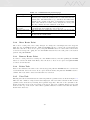
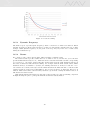
The Increments parameter sets the frequency increment for each 0.1 m/s climb rate increase. The
increments can be set from 1 to 99 Hz. The preset value for Increments is 10 Hz.
Considering an Increments value of 10, and Base Frq of 700 Hz, the vario frequency at 1 m/s is
800 Hz.
13.3.6
Volume
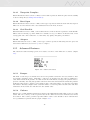
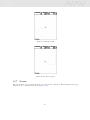
The final option allows the user to adjust the sound volume. In Flight Mode the current volume
level can be seen using the sound element (see Section 3.1.2 for more details).
The NAV has six different sound levels, plus no sound. Pressing UP, or DOWN, keys will
respective increase, or decrease the sound level. After setting the sound value , to confirm and
return to the Settings menu press the ENTER key.
Note that sound volume can also be adjusted using one FS key. However, changing the volume
using an FS key is only valid for the current flight, and will not override the volume level setting.
Every time the instrument is turned on, if the sound is muted, an alarm is generated in order to
notify the pilot.
13.4
Alerts
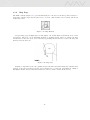
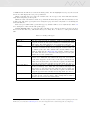
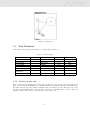
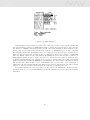
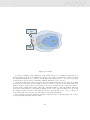
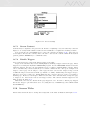
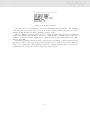
In this menu it it possible to set up the instrument to give you audio alerts when certain conditions
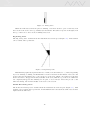
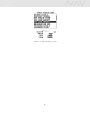
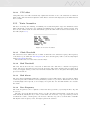
have been met. There are 4 different alerts that are possible (Figure 13.5).
Figure 13.5: Alerts
Each of these alerts can be activated by selecting the YES prompt when the ENTER key is
pressed.
47