1
General Operation
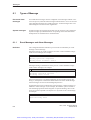
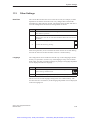
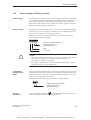
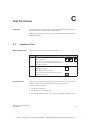
Correct input
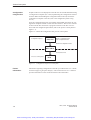
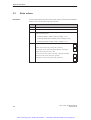
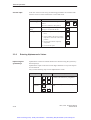
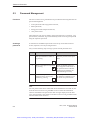
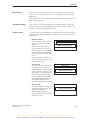
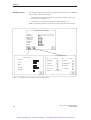
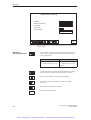
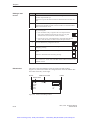
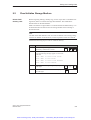
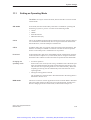
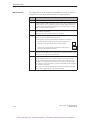
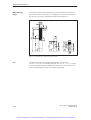
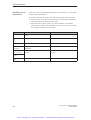
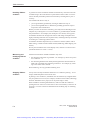
In the case of an incorrect entry, the following possibilities are available with
which to correct it before confirmation. Call in Edit mode.
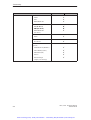
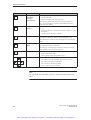
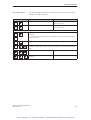
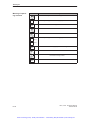
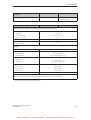
Incorrect Input
Incorrect digit
Action
Using Key
Position the cursor on the digit and overwrite it.
The cursor remains at this position.
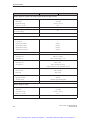
One digit too
many
Delete the digit at the cursor position.
The gap is closed from the left.
INS
DEL
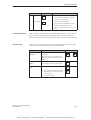
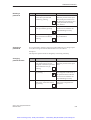
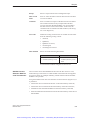
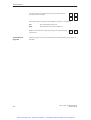
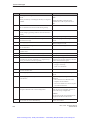
One digit too few
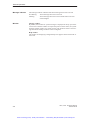
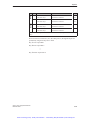
1. Switch to alphanumeric key assignment.
A–Z
2. Insert a blank at the cursor position.
Input moves to the left of the cursor
position.
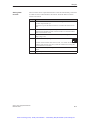
INS
DEL
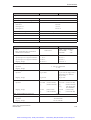
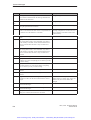
3. Revert to the numeric input key
assignment.
A–Z
A–Z
4. Overwrite the space.
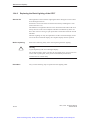
3.3.2
Entering Alphanumeric Values
Input using the
system keys
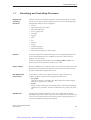
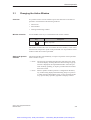
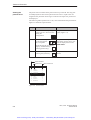
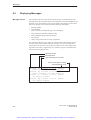
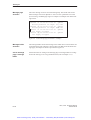
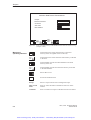
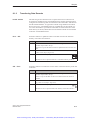
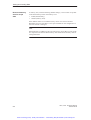
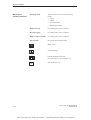
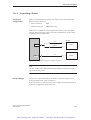
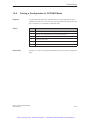
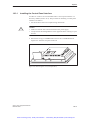
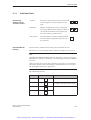
Alphanumeric values are entered character for character using the system keyboard input keys.
Alphanumeric input can be used to enter digits and letters in any order. Spaces
are also allowed.
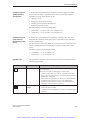
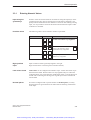
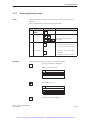
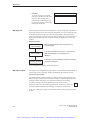
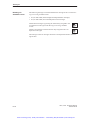
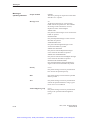
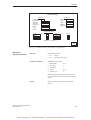
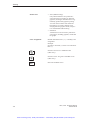
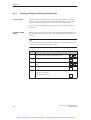
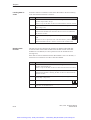
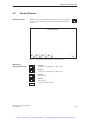
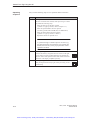
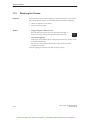
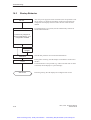
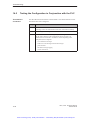
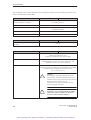
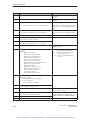
Carry out the following steps to enter alphanumeric values:
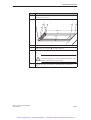
Step
1
Keys
Enter numbers
...
0
+/–
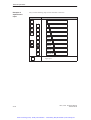
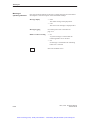
Enter alpha
characters
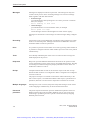
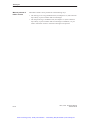
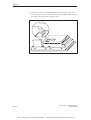
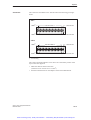
The input keys of the system keypad are to
be found in the numeric key assignment.
9
.
,
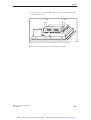
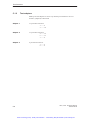
Switch to the alphanumeric key assignment.
A–Z
A
3-10
Description
B
...
Y
Z
OP27, OP37 Equipment Manual
Release 05/99
Artisan Technology Group - Quality Instrumentation ... Guaranteed | (888) 88-SOURCE | www.artisantg.com