1
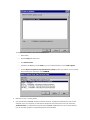
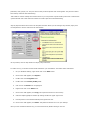
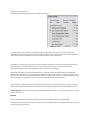
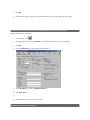
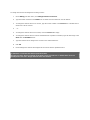
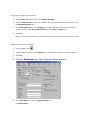
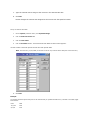
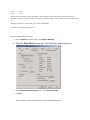
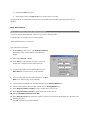
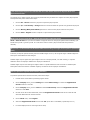
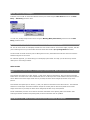
To determine the location of your PCLaw COMMON files:
o
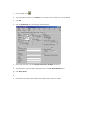
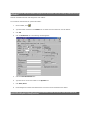
Start PCLaw.
o
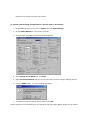
Click the Help pull-down menu.
o
Click About PCLaw.
o
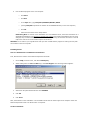
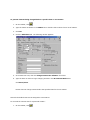
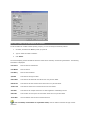
Hold down the Ctrl key and the Shift key on your keyboard while you click Tech Support.
o
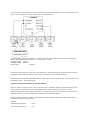
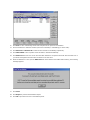
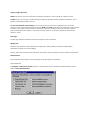
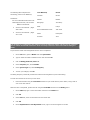
On the Alumni Computer Group Data Directory Dump window, the location of your common
files is listed to the right of the word COMMON.
2.
3.
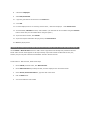
Make sure no one is running PCLaw.
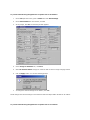
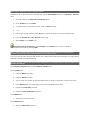
Copy the DATA and COMMON directories and their contents, including all subdirectories, from the old
computer to the new computer (or backup these directories and restore them to the new computer).
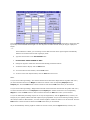
Technical Note: It is important that the DATA and COMMON subdirectories are on the same directory
level for the setup program to automatically detect the PCLaw data.