1
Importing Files From a Controller
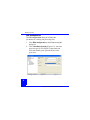
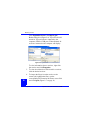
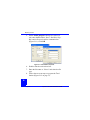
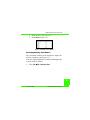
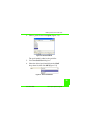
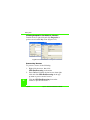
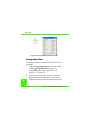
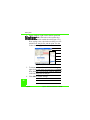
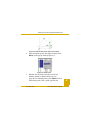
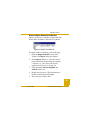
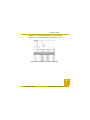
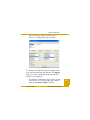
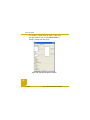
Figure 2-7. Select the Raw Data File to Import
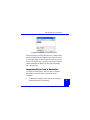
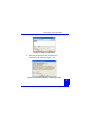
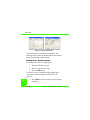
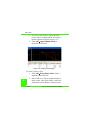
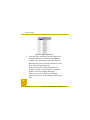
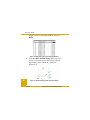
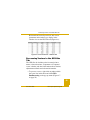
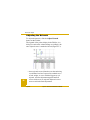
The new point(s) at which GPS data was collected will
display in the Points tab, Map view and CAD view after
a successful import of the raw data file into the current
Topcon Tools job. The *.tps file(s) will be saved in the
folder defined in the Folder For Backup field during
job configuration.
Importing Files From a Controller
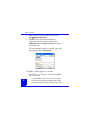
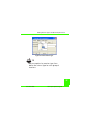
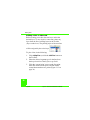
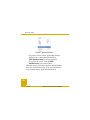
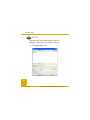
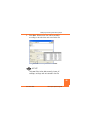
To import raw data files to the job from a controller,
Microsoft ActiveSync must be installed on the
computer.
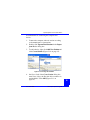
1. Connect the computer and controller according to
the manufacturer’s instructions.
P/N 7010-0616
www.topconpositioning.com
11