1
RECORDING
3.
4.
5.
6.
7.
8.
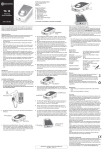
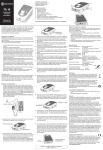
YOUR OWN INCOMING VOICE PROMPTS
entry”. Use
or
to select which option you want
and press
again.
Enter the name you want to store and press
.
Enter the phone number you want to store and press
.
Scroll using
or
until the display shows “Record
Ring Tone”.
Press
to start recording and the display will
increment to shown how many seconds have been
used for the recording. A maximum of 9 seconds recording duration is possible for each entry.
When you have finished recording the prompt or message press
. The display will then show “Ring Tone
Save?”
Press
to save the recording.
After recording the voice prompt or message next time
a call is received from that caller the handset will
match the phonebook entry with the incoming telephone number and then the voice prompt will be
announced.
Helpline UK 0844 800 6503
(See user manual PowerTel 710 Voice for costs and hours of operation)
9