1
4.2 Deletion
Card data will be deleted from the reader and fingerprint templates will be erased from the
user card.
Cards Required for Deletion
•
Manager Delete Card
•
User Card
Deletion Procedures
Step 1:
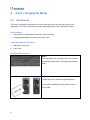
In the standby mode, the light is blue on.
Present the Manager Delete Card. The
light starts blinking red.
Step 2:
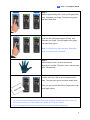
With the light blinking red, present the
User Card. The light starts blinking green.
Present the User Card again to delete all
fingerprints stored in the card.
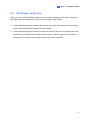
When the deletion is complete, the light
turns green and then steady blue.
10