1
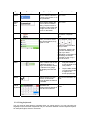
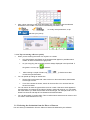
4.
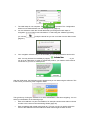
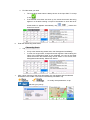
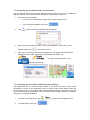
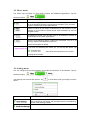
With the Product ID located, tap
5.
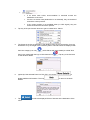
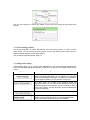
The Request Code is displayed.
.
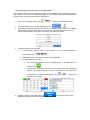
Enter this code in your Internet browser, and click
6.
.
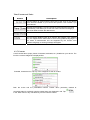
Now enter the Product ID from the sticker in your Internet browser, and click
.
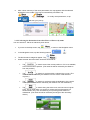
7.
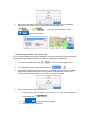
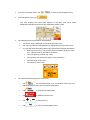
When the Activation Code is displayed in your Internet browser, return to the
navigation software, and tap
.
8.
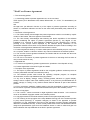
On the next screen, enter the Activation Code received in your Internet browser. Use
the virtual keyboard. The dash characters are automatically placed by the software.
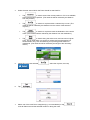
9.
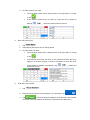
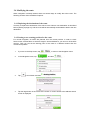
When finished, tap
.
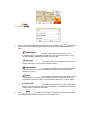
The activation process is successfully finished. You can restart the navigation software in
order not to receive more activation reminders, you can unlock preinstalled contents or get
new contents or application with
navigation software and restart it later.
, or you can continue using the