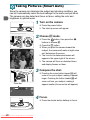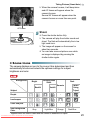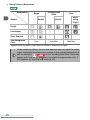
1
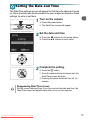
Setting the Date and Time
● Changing the Date and Time
You can change the current date and time settings.
the menus.
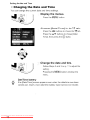
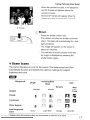
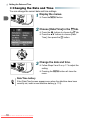
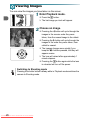
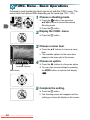
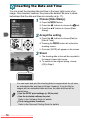
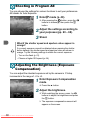
1 Display
● Press the n button.
[Date/Time] in the 3 tab.
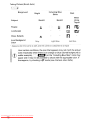
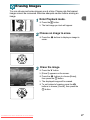
2 Choose
● Press the qr buttons to choose the 3 tab.
● Press the op buttons to choose [Date/
Time], then press the m button.
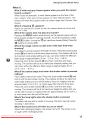
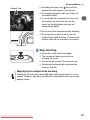
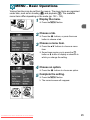
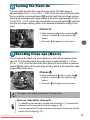
the date and time.
3 Change
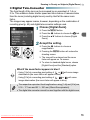
● Follow Steps 2 and 3 on p. 17 to adjust the
setting.
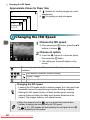
● Pressing the n button will close the
menu.
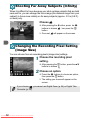
Date/Time battery
If the [Date/Time] screen appears even when the date/time have been
correctly set, insert a new date/time battery (p. 110).
18
Downloaded From camera-usermanual.com Canon Manuals