1
Software Installation (For a windows based PC continued)
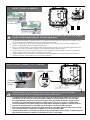
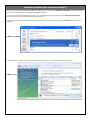
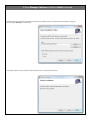
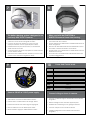
In response to the confirmation box “Add or Remove Programs” message. Click “Yes”.
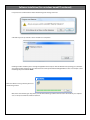
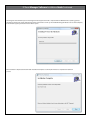
A window may show up as follows: Let this window run to completion.
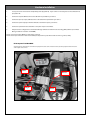
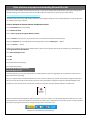
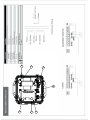
Following the above window if you are removing the application from a computer with the Windows Vista operating system, a window
(not shown) may appear with the title “User Account Control”. It will say “An Unidentified Program Wants to Access Your Computer”, if this
window appears you should click “Allow”.
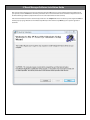
IP ResetSetup
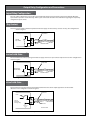
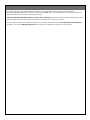
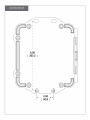
While the software is being removed you will see
the following window
Wait till the above window goes away. At this point the IP Reset Manager Software will have been removed from your computer.
You can now proceed with the software installation.