1
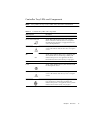
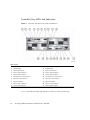
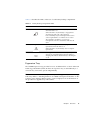
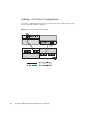
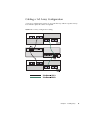
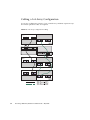
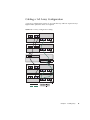
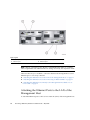
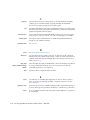
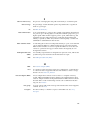
TABLE 1-4
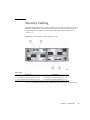
Controller Tray LEDs and Indicators
LED/Indicator
Description
Power Supply LEDs
DC
On indicates that the correct DC power is being
output from the controller power supply.
Service Action Required
Steady amber indicates that the power supply
requires service. Off indicates that the power supply
does not require service.
Service Action Allowed
Steady blue indicates that service action can be
taken on the power supply without adverse
consequences. Off indicates that the power supply is
engaged and service action should not be
implemented.
AC
On indicates that AC power is being supplied to the
controller power supply.
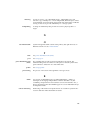
Controller LEDs
ID/Diag display
Seven-segment readouts indicate the ID of the tray
and fault diagnostic status codes. See “LED Status
Codes” on page 20 for definitions of the codes.
Cache Active
Steady green indicates that data is in the cache. Off
indicates that all data has been written to disk and
the cache is empty.
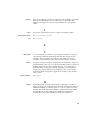
Service Action Required
Steady amber indicates that the controller requires
service. Off indicates that the controller does not
require service.
Service Action Allowed
Steady blue indicates that service action can be
taken on the controller without adverse
consequences. Off indicates that the controller is
engaged and service action should not be
implemented.
Chapter 1
Overview
11