1
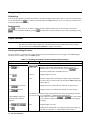
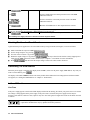
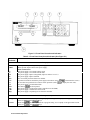
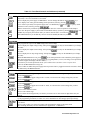
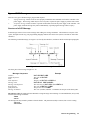
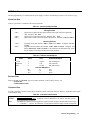
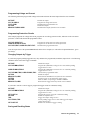
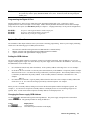
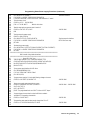
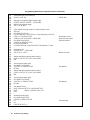
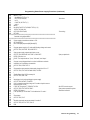
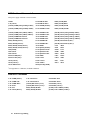
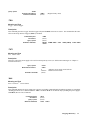
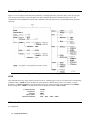
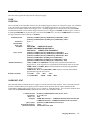
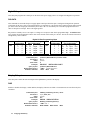
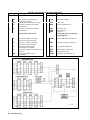
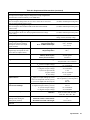
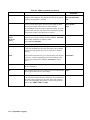
Figure 5-1. Front Panel Controls and Indicators Control or Indicator Table 5-1. Front Panel Controls and Indicators (See Figure 5-1) Function or Indication Display VOLTS AMPS CV CC Unr Dis OCP Prot Err Cal Shift Rmt Addr SRQ Shows present output voltage of the power supply. Shows present output current of the power supply. Status Annunciators The power supply is in constant-voltage mode. The power supply is in constant-current mode. The power supply output is unregulated (output is neither CV or CC). The power supply output is disabled. The overcurrent protection function is enabled. A protection circuit has caused the power supply to shut down. (Press An error has been generated as a result of remote operation. (Press The power supply is in calibration mode. The shift key has been pressed. The power supply is in the remote mode (controlled over the GPIB). The power supply is addressed to listen or talk. The power supply is requesting service from the controller. to determine the reason.) to display the error code). ôOutput Rotary Controls Voltage Current Rotate clockwise to increase output voltage or program setting. Use to rapidly set an approximate output value (see and keys). Rotate clockwise to increase output current or program setting. Use to rapidly set an approximate current value (see and keys). 38 Front Panel Operation