1
Chapter 7
Hanatech Co., Ltd.
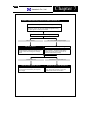
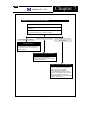
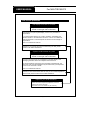
Improper response to Key input
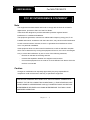
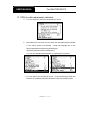
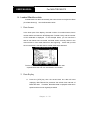
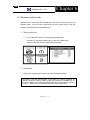
Keypad Test
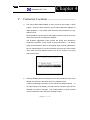
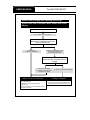
In case of any trouble with the keypad operation, please do the
keypad test.
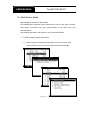
Press ESC from the initial menu to go to the configuration menu.
Choose [Keypad test] function. Refer to Chapter 3.
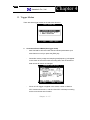
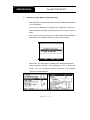
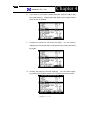
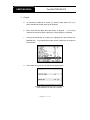
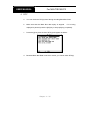
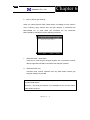
Some of the keys are not working
All keys are working properly
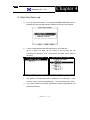
All keys are not working properly
but not always
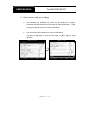
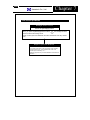
You must know
To turn on: Press the Power key shortly
Ton turn off: Keep pressing the Power key
for 1 seconds or more until “Turning Off”
message appears
Report to your local distributor
We may have to replace the keypad which
requires you to open the head unit.
Report the symptoms to your local distributor
and wait for the instruction.
Report to your local distributor
It is mysterious how you could turn the
machine on and activate the keypad test
function. However, it may happen
intermittently during the operation.
Your local distributor must check the firm
connection of the keypad to the main board
which requires opening the head unit.
Report the symptoms to your local distributor
and wait for the instruction.
Chapter 7 - 5