1
Chapter 5: Program Download
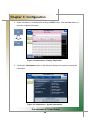
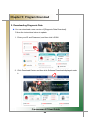
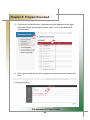
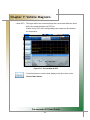
Double click Nextech.
Double click Carmanscan AT.
Double click Update.
Click the Save button.
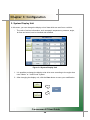
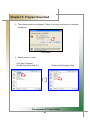
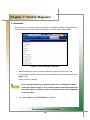
4. The following windows appears. Click the Close button.
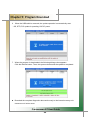
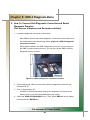
5. The diagnostic data (example: EA1060ENG.DAT) is now saved in the Update
folder.
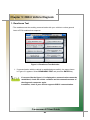
The diagnostic data can be downloaded to Carmanscan AT only when they are
saved in the specified location.
Carmanscan AT User Guide
52