1
2
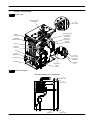
General access and emptying
hydraulic circuits
2.1
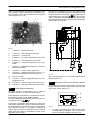
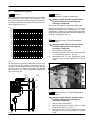
Nomenclature
C
1
C
2
5
3
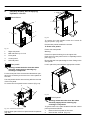
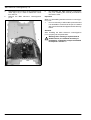
Fig. 2.3
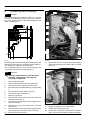
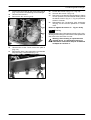
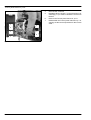
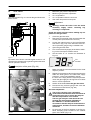
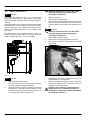
To remove the side panels loosen the screws B
(Fig. 2.2) and C (Fig. 2.3).
4
Pull the side panels towards the outside.
To Fit the case panels
Fig. 2.1
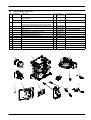
Fit the side case panels
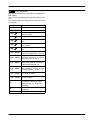
1
Right side panel
2
Main electronic p.c.b. box
Warning:
3
Front panel
4
Control panel
5
Left side panel
2.2
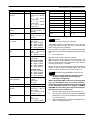
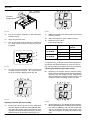
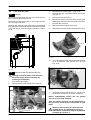
Fit the front panel hooking it on the upper side.
Push the front case panel until it is completely hold in
place (Fig. 2.4).
Ensure that the front panel edge is close---fitting to the
side panels.
Case panels
Lock in place the panel with the appropriate screws.
Warning: isolate the boiler from the mains
electricity supply before removing any
covering or component.
For the most part of the check and maintenance operations it is necessary to remove one or more panels of
the case.
The side panels can be removed only after the removal
of the front panel.
To remove the front panel loosen screws A (Fig. 2.2).
A
B
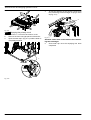
Fig. 2.4
2.3
B
Fig. 2.2 --- bottom view of the boiler
Pull the lower part of the front panel and lift it upwards
(Fig. 2.3).
2
Control panel
Warning: isolate the boiler from the mains
electricity supply before removing any
covering or component.
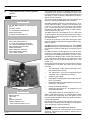
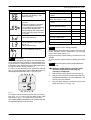
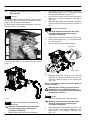
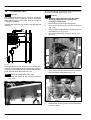
To gain access to the parts located inside the control
panel proceed as follows:
1
Remove the front panel of the case.
2
Unscrew the screw D (Fig. 2.5)