1
c05_ikon.fm
Installation and Administration
Configuration reference
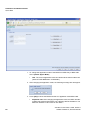
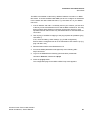
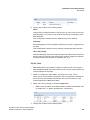
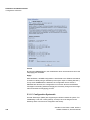
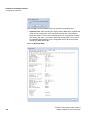
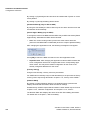
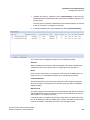
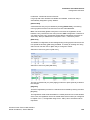
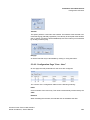
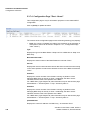
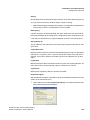
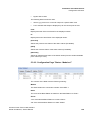
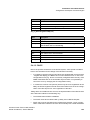
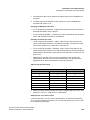
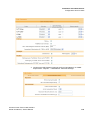
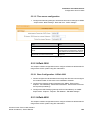
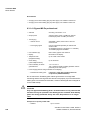
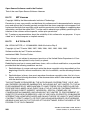
Here you can configure a minimum value. Only values greater (in the case of "Db"
only values smaller) than "Limit" are displayed in the RSSI table.
Normally the following default values are used:
RSSI: "9"
Db: "-85"
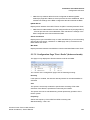
"Module"
Here you may select the Base Station which values are displayed at the table.
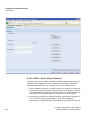
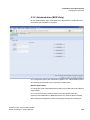
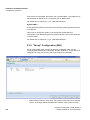
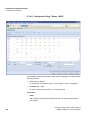
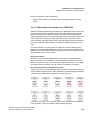
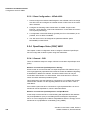
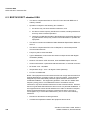
5.3.10 "System" Configuration (IWU)
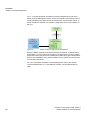
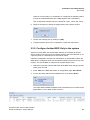
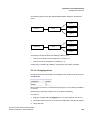
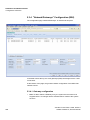
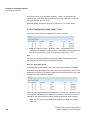
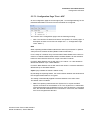
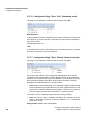
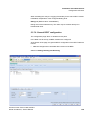
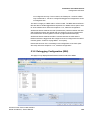
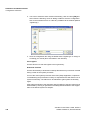
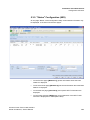
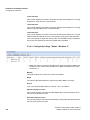
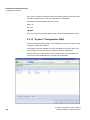
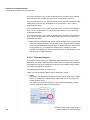
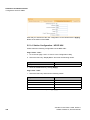
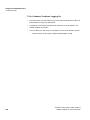
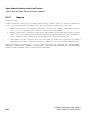
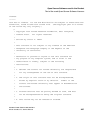
On the configuration page "System", both software processes of the IWU may be
configured, started and stopped.
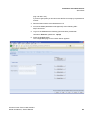
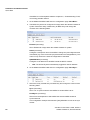
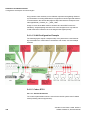
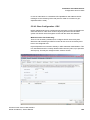
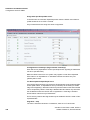
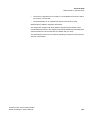
Click [Start] to start the enabled processes and [Stop] to stop them again. The
current state of the services may be queried by clicking on [Refresh].
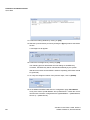
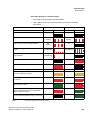
Activate "Service" for both entries if the services should start automatically at
system start. Other modifications are usually not needed here.
158
A31003-C1010-S100-4-7620, 09/2011
HiPath Cordless IP, Service Manual