1
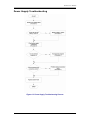
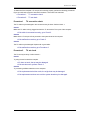
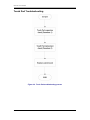
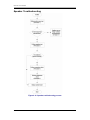
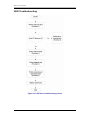
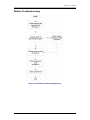
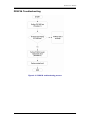
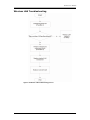
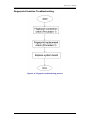
GL31 Service Manual To determine if the computer’s built-in Touch Pad is functioning properly, perform the following procedures. Figure 6-9 outlines the process. Start with Procedure 1 and continue as instructed. Procedure 1: Touch Pad connection check Procedure 2: Touch Pad replacement check Procedure 1 Touch Pad connection check The Touch Pad is connected by the Touch Pad FPC to the system board. Make sure the Touch Pad FPC cable is firmly connected to the Touch Pad and system board. Disassemble the computer and then perform the following checks. If any of the connections are loose, reconnect firmly. If any of the connections is damaged, or there is still an error, go to Procedure 2. Procedure 2 Touch Pad replacement check The Touch Pad unit or FPC may be defective or damaged. 6-19