1
A.4
Configuring the Arrays in a Second
Cabinet
After physically connecting a second cabinet to a Sun StorEdge 6320 system and
powering on the cabinet, you must identify the arrays in the second cabinet to the
Sun StorEdge 6320 system. To identify the arrays to the system, follow the steps
listed below. For detailed instructions, see the Sun StorEdge 6320 System 1.2 Reference
and Service Manual.
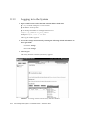
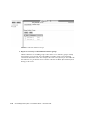
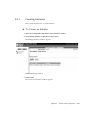
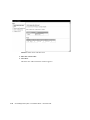
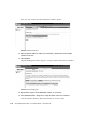
1. On a server, log in to the Storage Automated Diagnostic Environment.
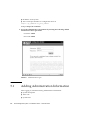
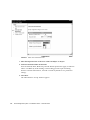
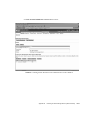
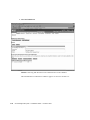
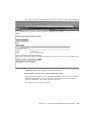
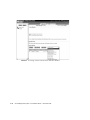
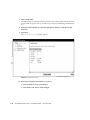
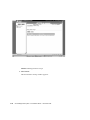
2. From the Storage Automated Diagnostic Environment main page, click Manage >
Update Ethers.
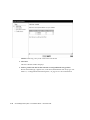
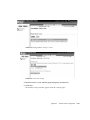
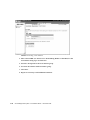
The system displays the Update Ethers page.
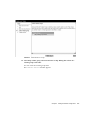
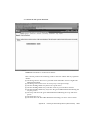
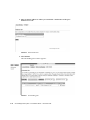
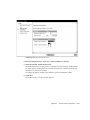
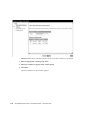
3. Enter the MAC address of the master controller of each array in the expansion
cabinet in the appropriate MAC address field.
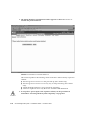
4. Power cycle each array individually in the expansion cabinet, or power cycle the
entire expansion cabinet.
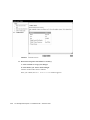
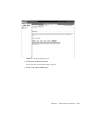
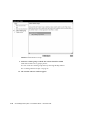
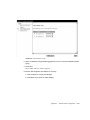
5. Click Update Ethers to identify the array to the StorEdge 6320 system.
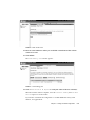
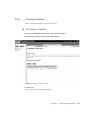
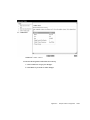
6. Create and save a new system inventory snapshot.
Appendix A
Connecting a Second System Cabinet
A-7