1
1: General Information
Software Description
Software Description
Software Installation
Before using the SCOPE / INFOTECH system, the
Scope / Multimeter software and the InfoTech software must be installed in the diagnostic tool and
unlocked with a Smart Card. The software then lets
you control the Scope module with the tool.
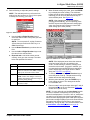
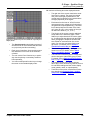
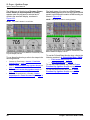
Figure 1.8: Ignition Secondary kV Probe
The software is either preinstalled in the diagnostic
tool, provided on a compact disc or compact flash
card, or can be downloaded from the SPX web site.
For complete instructions, refer to Scan Tool Software Applications Installation and Updates (OTC
P/N 534168) or Solarity Tool Software Applications
Installation and Updates (OTC P/N 532262).
NOTE: The Scope module must be connected to the tool
during the software installation. Refer to Setup on page 9.
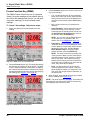
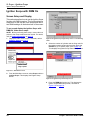
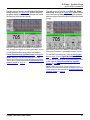
Figure 1.9: Ignition Synchronization Probe
Adapters
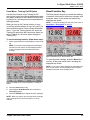
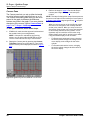
The Scope system includes a GM High Energy Ignition (HEI) adapter. For details, refer to the instructions included with the adapter.
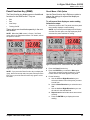
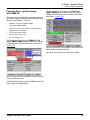
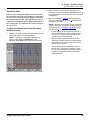
Figure 1.11: Software CD and Smart Card
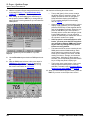
Figure 1.10: GM HEI Ignition Adapter
4
Scope / InfoTech User Guide