1
4061-xx0
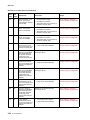
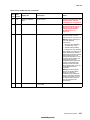
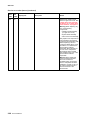
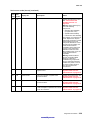
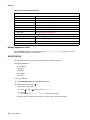
Diagnostics mode tests (continued)
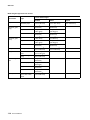
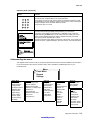
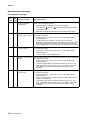
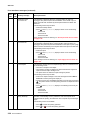
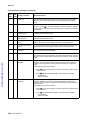
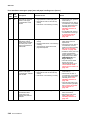
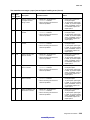
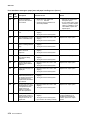
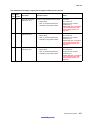
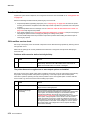
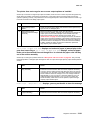
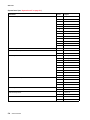
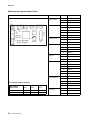
EP SETUP
EP Defaults
See “EP Defaults” on page 3-22
Fuser Temp
See “Fuser Temperature (Fuser Temp)” on page 3-22
Fuser Page Count
See “Fuser Page Count” on page 3-22
Warm Up Time
See “Warm Up Time” on page 3-22
Transfer
See “Transfer” on page 3-22
Print Contrast
See “Print Contrast” on page 3-22
Charge Roll
See “Charge Roll” on page 3-22
Gap Adjust
See “Gap Adjust” on page 3-22
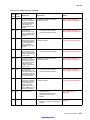
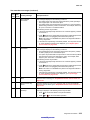
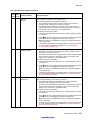
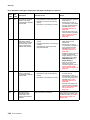
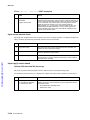
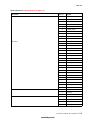
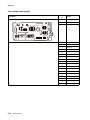
EVENT LOG
Display Log
See “Display Log” on page 3-23
Print Log
See “Print Log” on page 3-23
Clear Log
See “Clear Log” on page 3-24
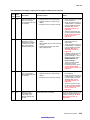
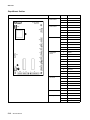
EXIT DIAGNOSTICS
Exiting Diagnostics mode
Select Exit Diagnostics to exit the Diagnostics mode. Resetting the Printer displays, the printer
performs a POR, and returns to normal mode.
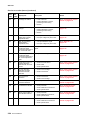
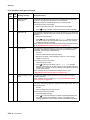
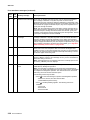
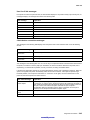
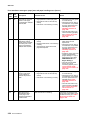
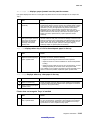
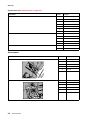
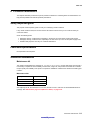
REGISTRATION
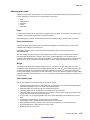
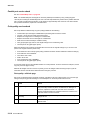
Print registration makes sure the printing is printed properly aligned on the page.
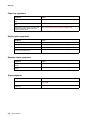
The settings available are:
Bottom Margin
Top Margin
Left Margin
Right Margin
Quick Test
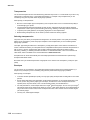
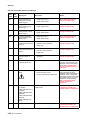
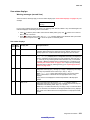
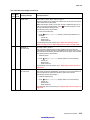
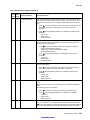
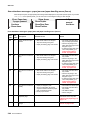
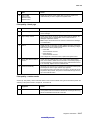
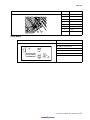
To set print registration:
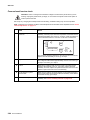
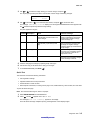
1. Select REGISTRATION from the DIAGNOSTICS menu.
2. Select Quick Test, and press
.
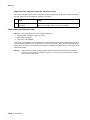
To print the Quick Test page:
a. Press
b. Press
until the
appears next to Quick Test.
.
The message Quick Test Printing… appears on the display.
Retain this page to determine the changes you need to make to the margins settings.
3-4 Service Manual