1
4
Ventilator settings
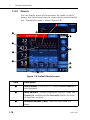
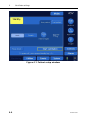
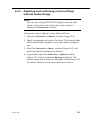
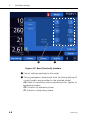
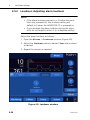
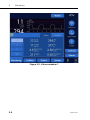
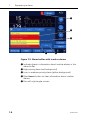
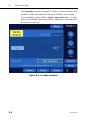
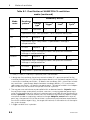
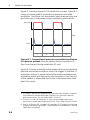
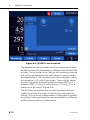
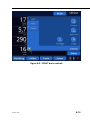
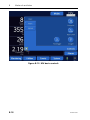
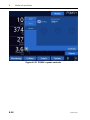
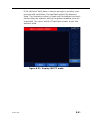
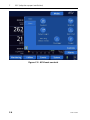
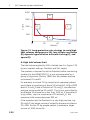
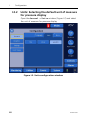
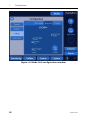
3. Confirm the mode. The controls window (Figure 4-3)
opens automatically. Review and confirm the control settings (see Section 4.4.2). If the control settings are not confirmed, the window automatically closes after a period of
time. The new mode selection will not be valid, and the
previous settings remain in effect.
4.4
Controls windows: Setting controls including
apnea backup ventilation
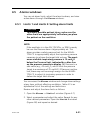
NOTE:
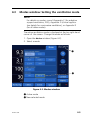
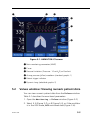
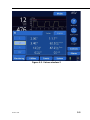
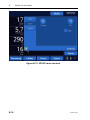
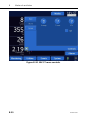
• In addition to control settings, the Basic window
displays breath timing parameters determined from
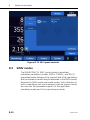
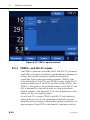
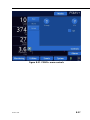
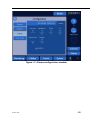
timing control settings; see Figure 4-3. If ASV is
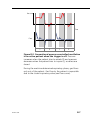
active the Basic window also shows calculated
MinVol and IBW; see Figure 4-6.
• If you intend to use the adaptive support ventilation
(ASV) or the noninvasive ventilation modes (NIV or
NIV-ST), we recommend that you consult Appendix
C or Appendix D for more details.
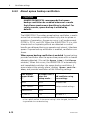
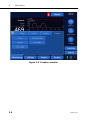
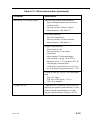
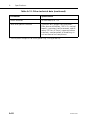
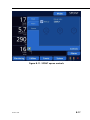
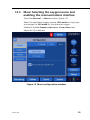
You set controls from the three Controls windows: Basic,
More, and Apnea. You enable the sigh function through the
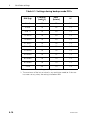
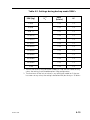
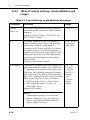
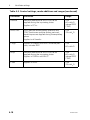
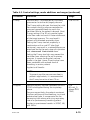
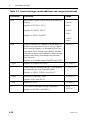
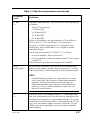
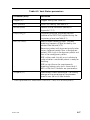
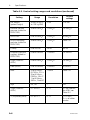
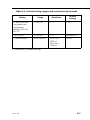
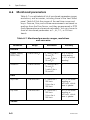
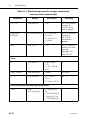
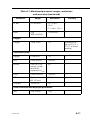
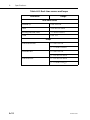
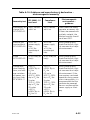
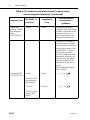
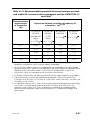
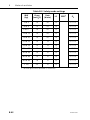
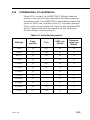
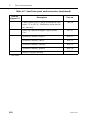
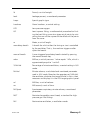
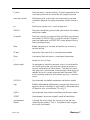
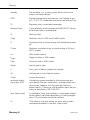
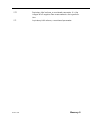
More window. You set apnea backup through the Apnea window. Table 4-2 is an alphabetical list of the control settings
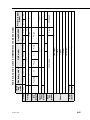
with their ranges. For control setting ranges and standard settings, see Table A-5. For control settings applicable to the different ventilation modes, see Table A-6.
4-6
624131/04