1
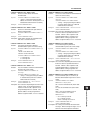
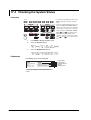
11.2 Loading the Setup Data
1
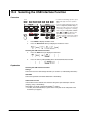
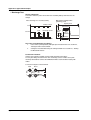
Procedure
2
DISPLAY
ESC
SOURCE
MEASURE
AUTO
RANGE
STORE
MENU
V I Ω
MODE
MEASURE
LIMIT
VS IS
MENU
SOURCE
RANGE
RECALL
MATH
NULL
COMPARE
VALUE
OUTPUT CONTROL
LOCAL
MISC
POWER
AUTO
RANGE
TIME
SWEEP
START
KEY LOCK
SHIFT
1.
2.
TRIG
MODE
ZERO
OUTPUT
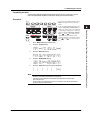
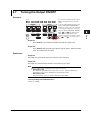
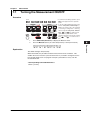
• To exit the menu during operation, press
ESC at the upper left of the operation
panel.
• In the procedural explanation below, the
phrase “rotary knob, numeric keys, <,
and >” are used to refer to the operation
of selecting or setting items or entering
values using the rotary knob, numeric
keys,
, and
keys (BS key and
right arrow key). For details on the
operation using the rotary knob, numeric
keys,
, and
, see sections 3.8 or
3.9.
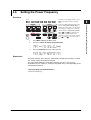
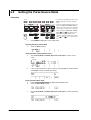
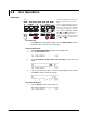
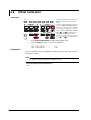
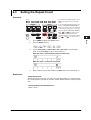
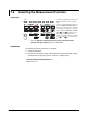
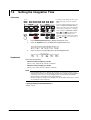
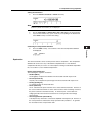
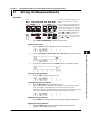
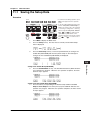
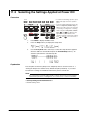
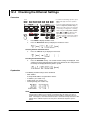
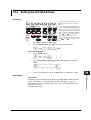
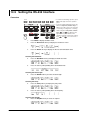
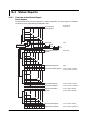
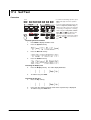
Press MISC to display the MISC menu.
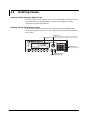
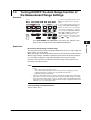
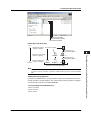
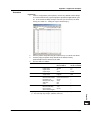
Press the Setup soft key. The files that are currently saved and the Setup
menu is displayed.
3
4
5
6
7
8
3.
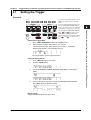
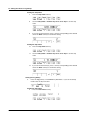
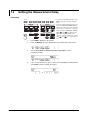
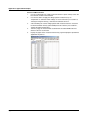
Use the rotary knob and < and > keys to select the setup file to be loaded.
9
10
4.
11
Other Functions
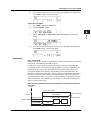
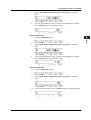
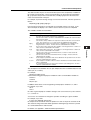
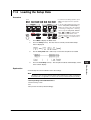
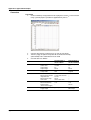
Press the Load Setup soft key. The setup file is loaded, and the display returns
to the numeric display.
12
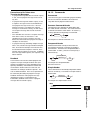
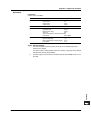
Explanation
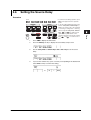
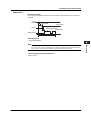
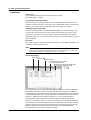
A saved setup file can be loaded to restore the settings.
13
Note
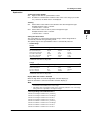
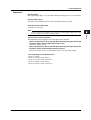
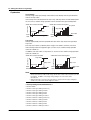
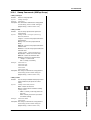
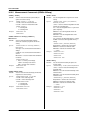
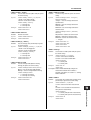
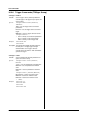
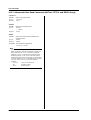
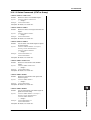
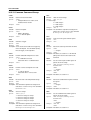
The GS610 is set to the factory default settings if the Default.txt file is loaded. For details on
the Default.txt file, see appendix 3, “Contents of the Factory Default Setup File (Default.txt).”
<<Corresponding Command Mnemonic>>
:SYSTem:SETup:LOAD
*RCL
*RST (reset to the factory default settings)
14
15
16
17
18
App
Index
IM 765501-01E
11-3