1
2LW/2LX
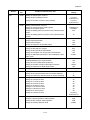
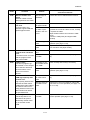
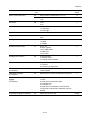
Item No.
U203
Description
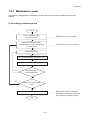
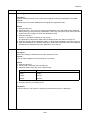
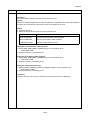
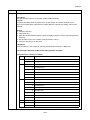
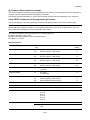
Checking DP operation
Description
Simulates the original conveying operation separately in the DP.
Purpose
To check the DP operation.
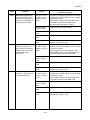
Method
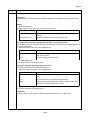
1. Press the start key.
2. Place an original in the DP if running this simulation with paper.
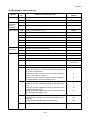
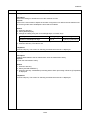
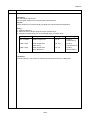
3. Select the speed to be operated using the cursor up/down keys.
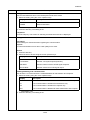
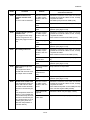
Display
Description
NORMAL SPEED
Normal reading (600 dpi)
HIGH SPEED
High-speed reading
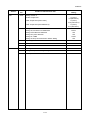
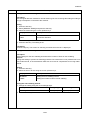
4. Press the start key.
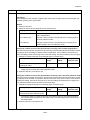
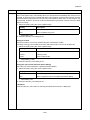
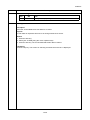
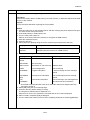
5. Select the item to be operated using the cursor up/down keys.
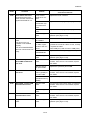
Display
Description
CCD ADP (NON P)
Without paper, single-sided original of CCD
(continuous operation)
CCD ADP
With paper, single-sided original of CCD
CCD RADP (NON P)
Without paper, double-sided original of CCD
(continuous operation)
CCD RADP
With paper, double-sided original of CCD
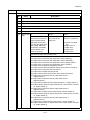
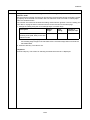
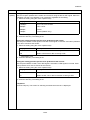
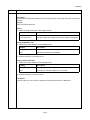
6. Press the start key. The operation starts.
7. To stop continuous operation, press the stop key.
Completion
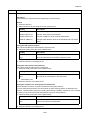
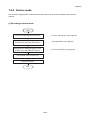
Press the stop key. The screen for selecting a maintenance item No. is displayed.
1-3-12