1
ENWW
3.
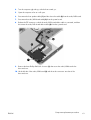
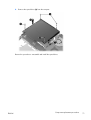
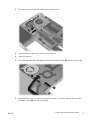
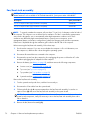
Disconnect the power connector cable from the system board.
4.
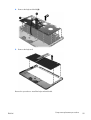
Turn the computer right-side up, with the front toward you.
5.
Open the computer.
6.
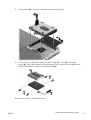
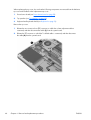
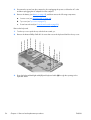
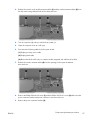
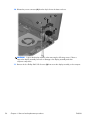
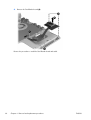
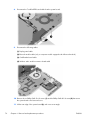
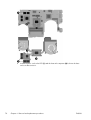
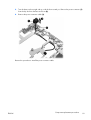
Disconnect the audio/USB cable (1) and the audio/USB ribbon cable (2) from the system board:
7.
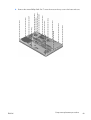
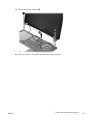
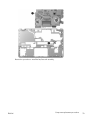
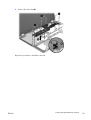
Release the ZIF connector to which the optical drive cable is connected, and then disconnect the
optical drive cable (2) from the system board.
Component replacement procedures
73