1
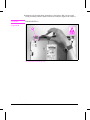
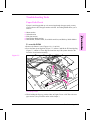
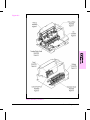
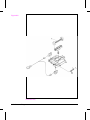
Kick Plate
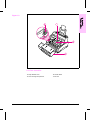
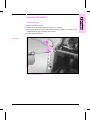
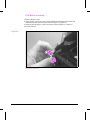
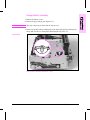
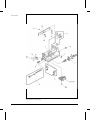
1 Remove the Printer Covers and the Pickup Roller Assembly (Figures 6-23 and
6-24).
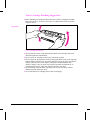
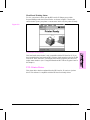
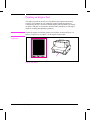
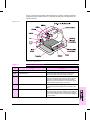
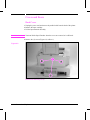
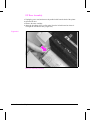
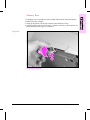
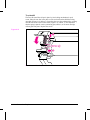
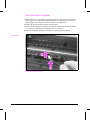
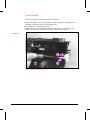
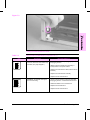
2 Press the Separation Pad (Figure 6-30). Allow the Kick Plate to pivot upward (a
spring underneath will push it up). Lift the Kick Plate off its mounting pins.
Figure 6-30
Kick Plate Removal
6 - 34
Removal and Replacement