1
Basic Operation Method
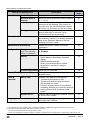
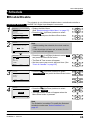
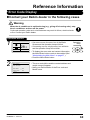
Selection Settings
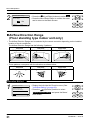
2
28°C
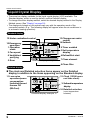
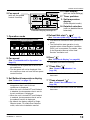
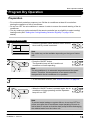
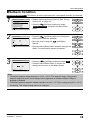
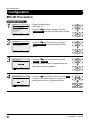
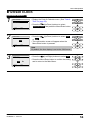
The display " " (changeover under control) will blink when the power is
turned ON for the first time.
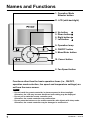
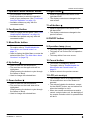
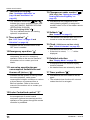
•• Press the Operation Mode Selector button of the
remote controller for which the selection eligibility
needs to be set.
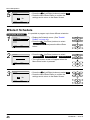
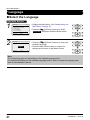
The cooling/heating selection eligibility will be set
and the icon " " (Changeover under control)
will disappear.
The icon " " (Changeover under control) will
appear on the other remote controllers.
28°C
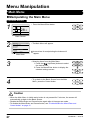
Operation Method
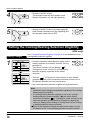
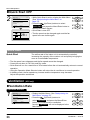
3
28°C
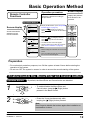
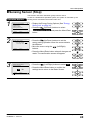
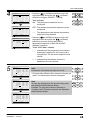
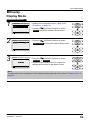
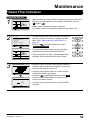
•• Press the Operation Mode Selector button on the
remote controller that has the cooling/heating
selection eligibility (or the remote controller without
the icon " " (Changeover under control))
several times until the desired mode is selected.
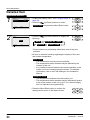
The display will change to the "Fan", "Dry", "Auto",
"Cool" or "Heat" icon each time the button is
pressed.
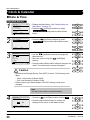
•• Simultaneously, the other remote controllers with
no selection right will follow and change the
display automatically.
BRC2E52C7 / BRC3E52C7
4P368042-1 - 2014.02
Operation manual
20