1
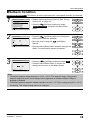
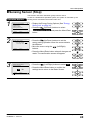
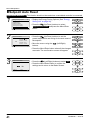
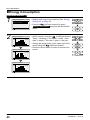
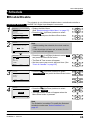
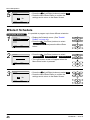
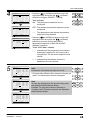
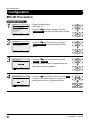
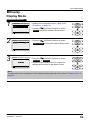
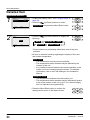
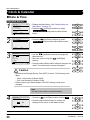
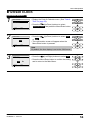
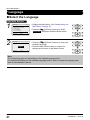
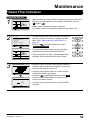
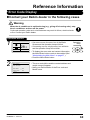
Menu Manipulation Maintenance Information Display the Maintenance Information Operation Method 1 Main Menu Return 2 2/2 Filter Auto Clean Maintenance Information Configuration Current Settings Clock & Calendar Language Setting Maintenance Information Contact info 0123–456–7890 Indoor Model Outdoor Model –––/000 –––/000 Return •• Display the Main Menu. (See "Manipulating the Main Menu" on page 27). •• Press the (Up/Down) buttons to select Maintenance Information and press the Menu/ Enter button. •• The phone number for the contact address will appear at the top of the screen. (If you have not yet registered your product, it will not appear). •• The model information of the indoor and outdoor units of your product will appear on the bottom of the screen. (For some models the product code may appear). •• Press the Cancel button to return to the previous screen. Note •• The model name will not appear if you have had the circuit board replaced. •• The error code may also appear. If the operation lamp is not blinking, the unit is working properly. •• The error code record will disappear if you press the ON/OFF button for more than 4 seconds. BRC2E52C7 / BRC3E52C7 4P368042-1 - 2014.02 Operation manual 50