1
Maintenance
Adding Additional Refrigerant to the Internal Vessel contd.
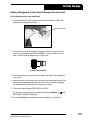
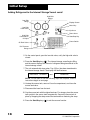
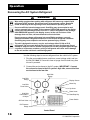
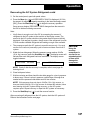
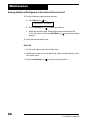
12. Do the following to clear the service hoses:
a. Press Menu key (
RECOVER
) to:
XX.XXKG
b. Press Start/Stop key (
) to start hose clearing.
c. Watch the low-side gauge. When gauge pressure reaches 34 kPa
(10 in. Hg) vacuum, press the Start/Stop key ( ) to stop the clearing
process.
13. Close the low-side panel valve.
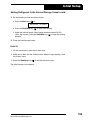
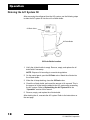
Drain Oil
1. On the control panel, open the oil drain valve.
2. Watch the oil drain into the oil drain bottle. When oil stops draining, close
the oil drain valve.
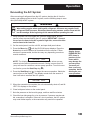
3. Press the Start/Stop key (
24
) to exit the recover function.
© 2006 SPX Corporation