1
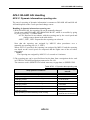
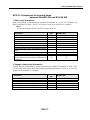
AP6.2 INLAND AIS Settings
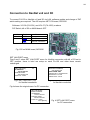
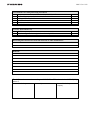
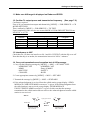
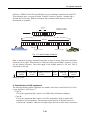
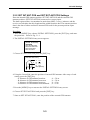
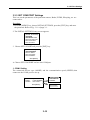
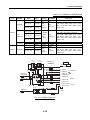
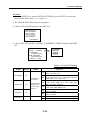
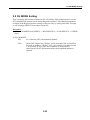
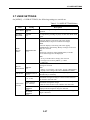
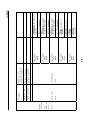
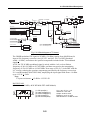
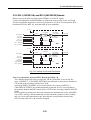
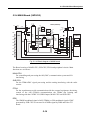
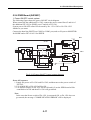
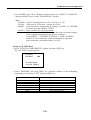
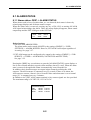
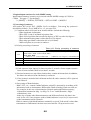
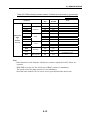
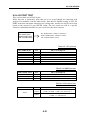
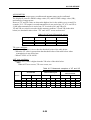
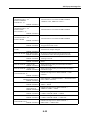
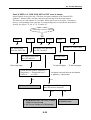
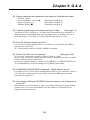
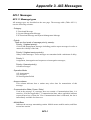
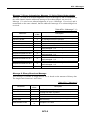
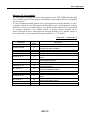
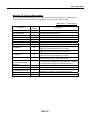
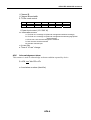
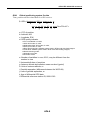
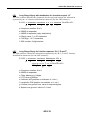
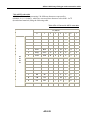
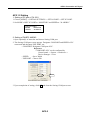
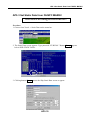
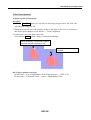
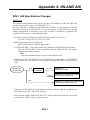
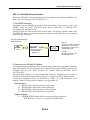
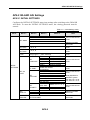
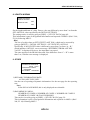
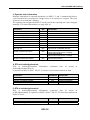
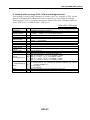
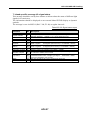
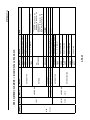
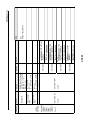
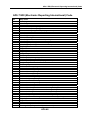
5. CARGO TYPE
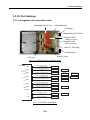
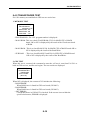
[CARGO TYPE]
TYPE NO:
10
****** TYPE DETAIL ****
FUTURE USE
ALL SHIPS OF
THIS TYPE
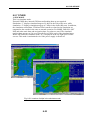
SOLAS AIS screen and screen with
INLAND AIS mode
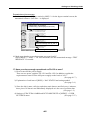
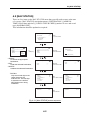
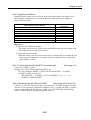
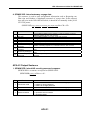
Same as the “SET SHIP TYPE” of SOLAS AIS.
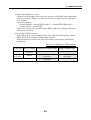
Set the units digit with CARGO TYPE. Set the tenths digit with “SET SHIP TYPE” of
the INITIAL SETTINGS. This is the same as the CARGO TYPE of SOLAS AIS.
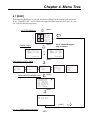
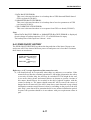
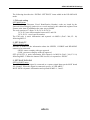
The setting can be viewed by going to [DISP] -> [STATIC DATA] page 8/9.
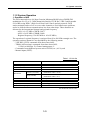
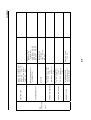
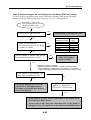
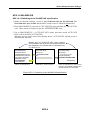
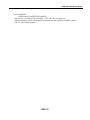
ERI CODE is part of navigational information and reported via MSG.8 (DAC: 200, FI:
10) following MSG.5.
Hint)
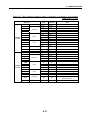
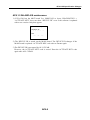
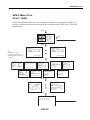
To set ERI CODE: Ship or combination type, go to [NAV] -> ERI CODE.
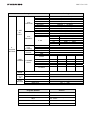
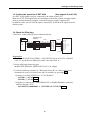
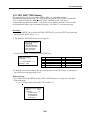
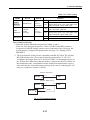
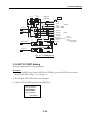
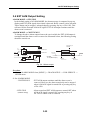
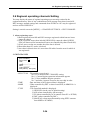
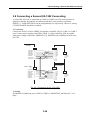
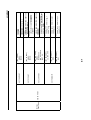
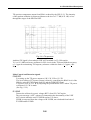
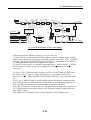
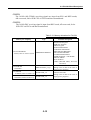
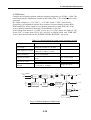
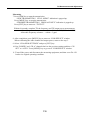
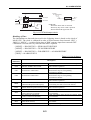
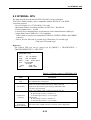
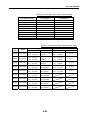
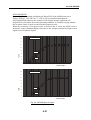
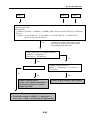
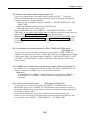
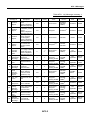
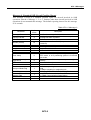
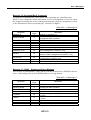
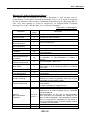
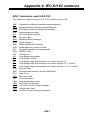
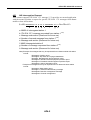
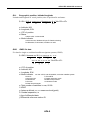
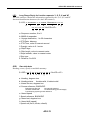
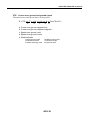
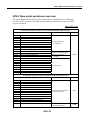
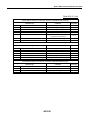
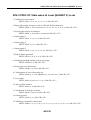
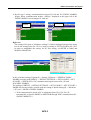
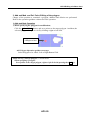
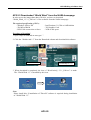
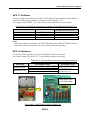
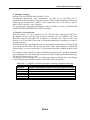
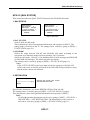
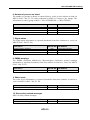
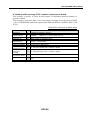
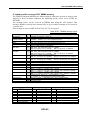
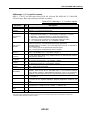
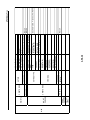
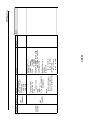
6. ERI CODE
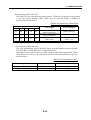
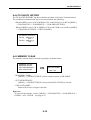
[ERI CODE]
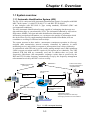
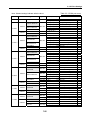
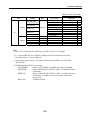
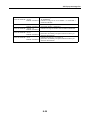
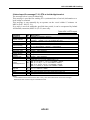
ERI CODE
8000
****** CODE DETAIL *****
VESSEL,
TYPE UNKNOWN
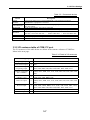
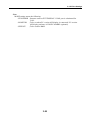
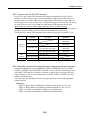
The ERI CODE: Ship or combination type that has been set can be viewed by going to
[DISP] -> [STATIC DATA] page 9/9.
This information is part of navigational information and reported via MSG.8 (DAC: 200,
FI: 10) following MSG.5.
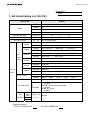
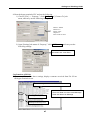
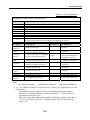
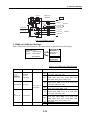
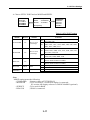
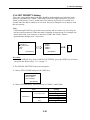
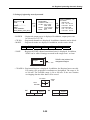
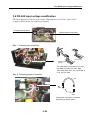
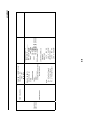
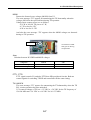
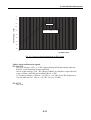
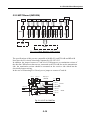
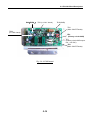
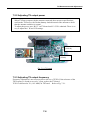
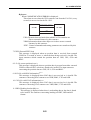
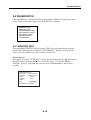
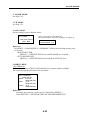
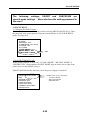
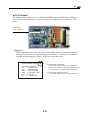
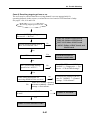
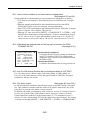
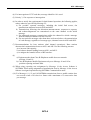
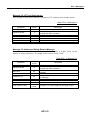
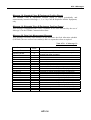
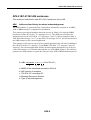
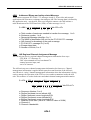
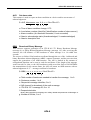
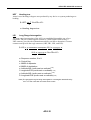
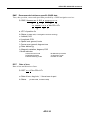
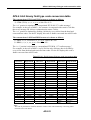
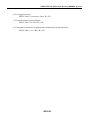
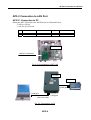
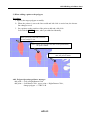
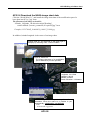
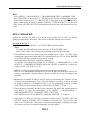
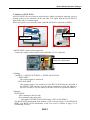
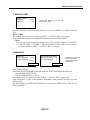
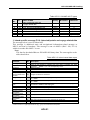
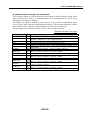
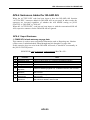
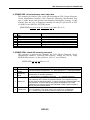
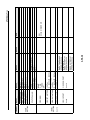
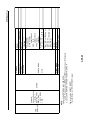
7. NO. OF PERSONS
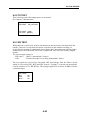
[NO. OF PERSONS]
CREW:
0
PASSENGER
0
SHIPBOARD PERSONNEL
0
NO. OF PERSONS:
0
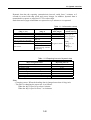
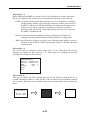
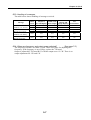
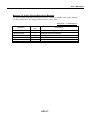
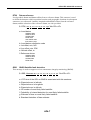
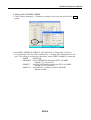
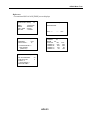
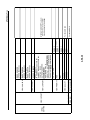
Set the CREW, PASSENGER, SHIPBOARD PERSONNEL and NO. OF PERSONS.
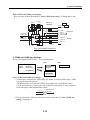
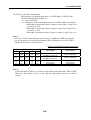
The total of the CREW, PASSENGER and SHIPBOARD PERSONNEL is the NO. OF
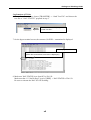
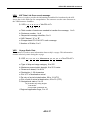
PERSONS. The setting can be viewed by going to [DISP] -> [STATIC DATA] page
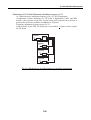
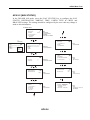
7/9. This information is edited by going to [MSG] -> NO. OF PERSONS -> CREATE
MSG and sent manually. Or, the information is sent automatically when requested with
IFM2 or IFM16. This information is reported via MSG.8 (DAC: 200, FI: 10).
AP6-13