1
Setup Mode
RPM Set Mode
This feature is used when the Auto Mode does not operate properly or to
set the Turbo Timer RPM to match the vehicle’s tachometer.
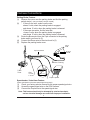
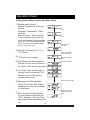
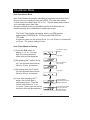
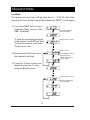
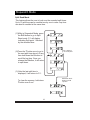
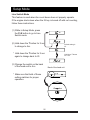
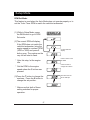
(1) While in Setup Mode, press
the P+S button to go to RPM
Set mode.
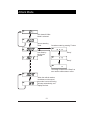
(2)The current RPM will display,
If the RPM does not match the
vehicle’s tachometer, bring the
engine speed to constant RPM
(2000 or 3000) and press S
button once. The number on the
very left will start to flash.
Current RPM will
display.
Press T button to set
the RPM
* After this step, let the engine
idle.
Press S button to
change set Position.
* Set the RPM to the engine
speed where the S button was
pressed.
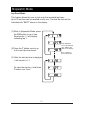
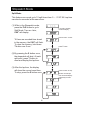
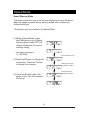
(3)Press the T button to change the
numbers. Press the S button to
change the set position.
* Make sure that both of these
setting matches for proper
operation.
27
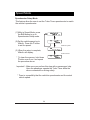
This show the unit
set to 3000 rpm