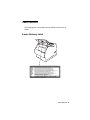
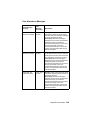
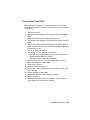
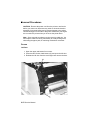
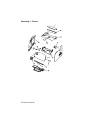
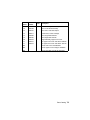
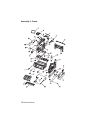
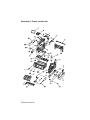
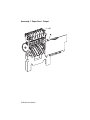
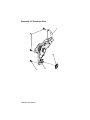
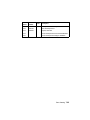
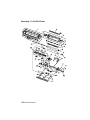
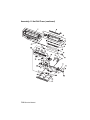
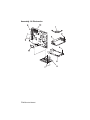
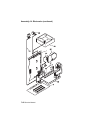
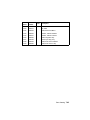
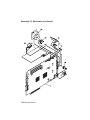
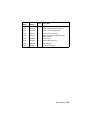
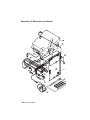
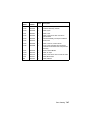
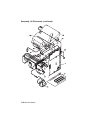
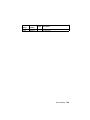
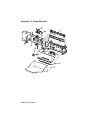
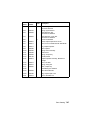
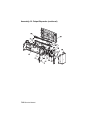
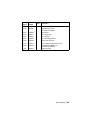
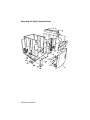
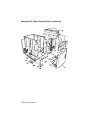
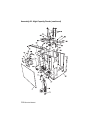
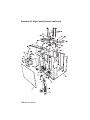
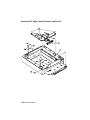
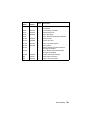
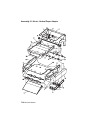
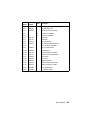
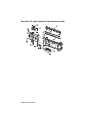
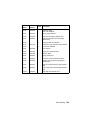
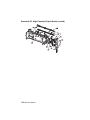
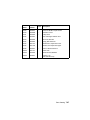
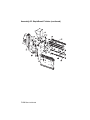
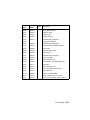
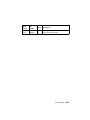
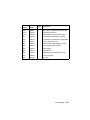
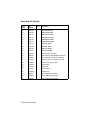
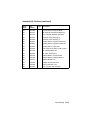
Fan
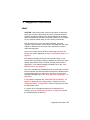
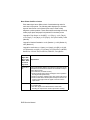
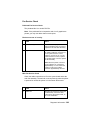
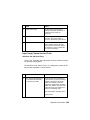
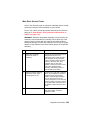
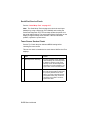
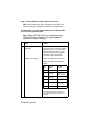
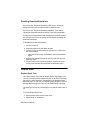
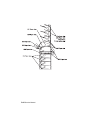
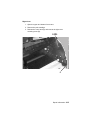
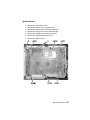
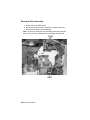
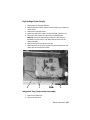
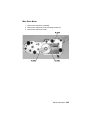
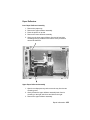
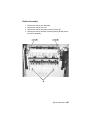
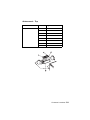
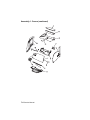
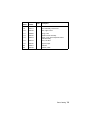
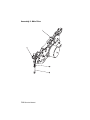
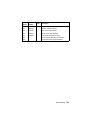
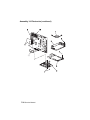
Main Fan
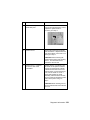
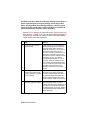
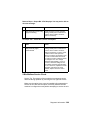
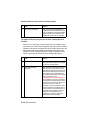
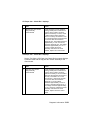
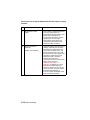
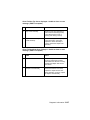
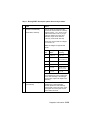
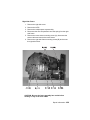
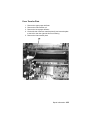
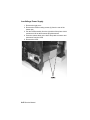
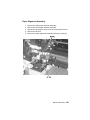
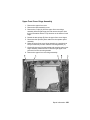
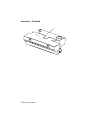
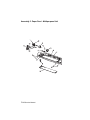
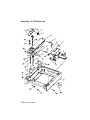
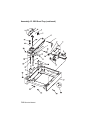
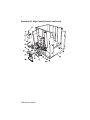
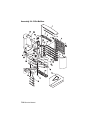
1. Remove the top rear cover.
2. Remove the inner EMC shield.
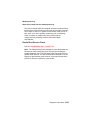
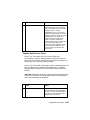
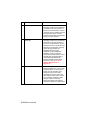
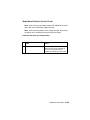
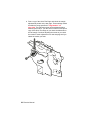
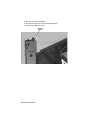
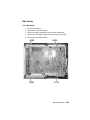
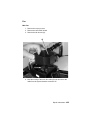
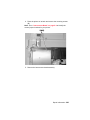
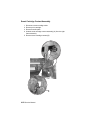
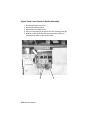
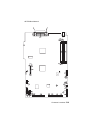
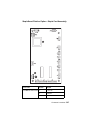
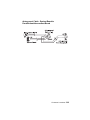
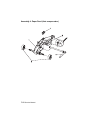
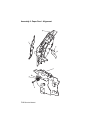
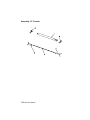
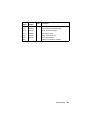
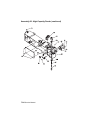
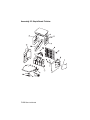
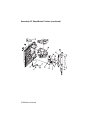
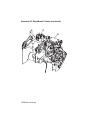
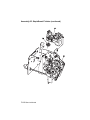
3. Remove the fan shroud (A).
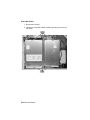
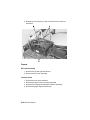
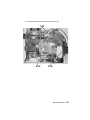
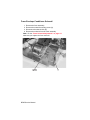
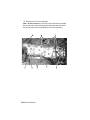
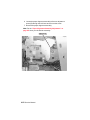
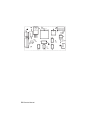
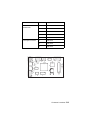
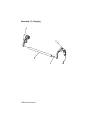
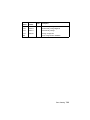
4. Note the routing of the main fan cable (B) and disconnect the
cable from the system board at connector J5.
Repair Information 4-25