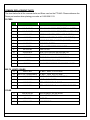
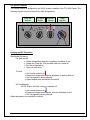
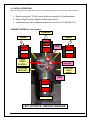
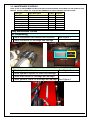
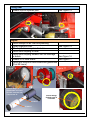
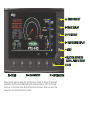
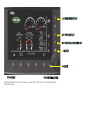
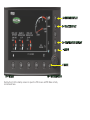
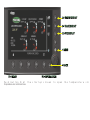
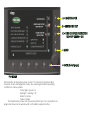
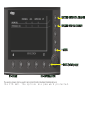
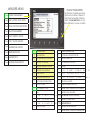
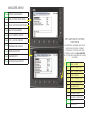
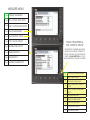
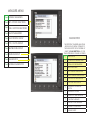
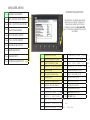
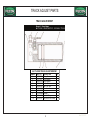
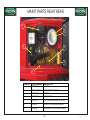
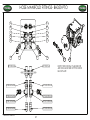
A= ENGINE DISPLAY
C= PTO DISPLAY
D= TEMPERATURE DISPLAY
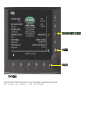
= MENU
= BACK
F1= HOME
F5 = INFORMATION
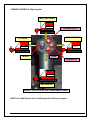
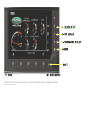
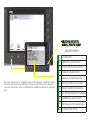
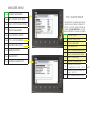
Push button B at the startup screen to open the Track screen. All Track activity is
monitored here.