1
Repetitive
Comparisons
with a Stop
Condition
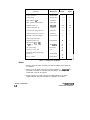
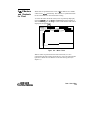
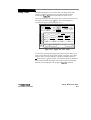
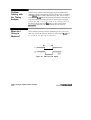
When you do a comparison in the repetitive trace mode, a stop
condition may be specified. The stop condition is either Stop
Measurement when Compare is Equal or Not Equal. In the case of
Equal, bits in the compare image must match the corresponding bits in
the acquired data image for the stop condition to be a true. In the case
of Not Equal, a mismatch on a single bit will cause the stop condition
to be true. When stop conditions are specified in two analyzers, both
analyzers stop when the stop condition of either analyzer is satisfied. It
is an OR function.
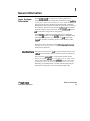
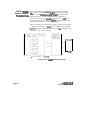
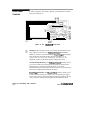
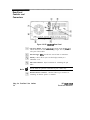
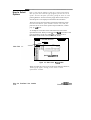
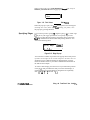
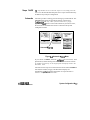
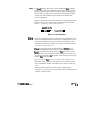
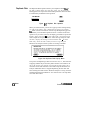
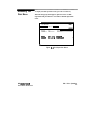
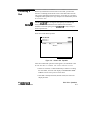
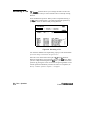
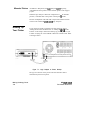
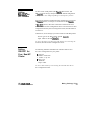
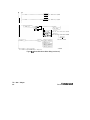
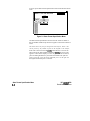
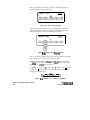
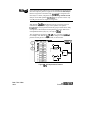
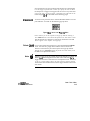
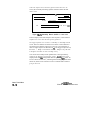
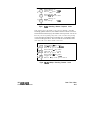
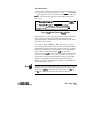
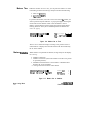
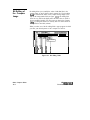
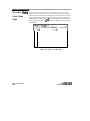
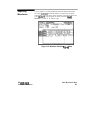
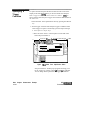
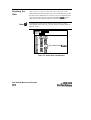
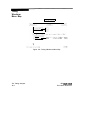
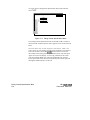
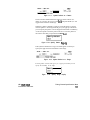
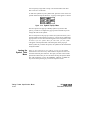
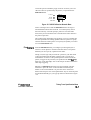
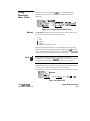
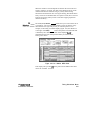
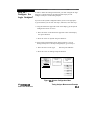
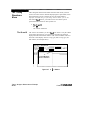
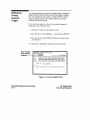
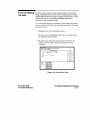
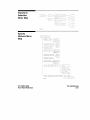
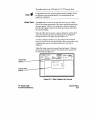
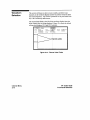
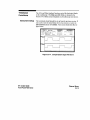
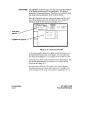
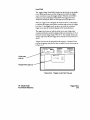
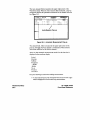
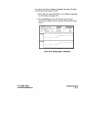
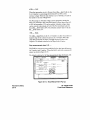
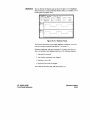
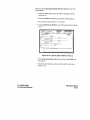
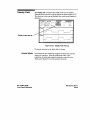
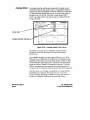
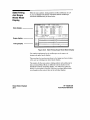
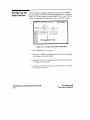
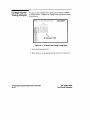
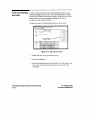
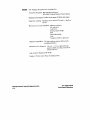
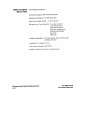
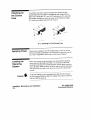
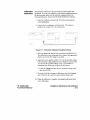
You access the stop measurement function by selecting the SpeciQ
Stop Measurement field in either the Compare or Difference Listing
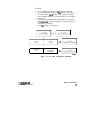
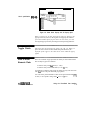
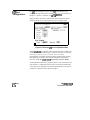
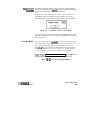
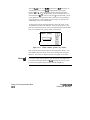
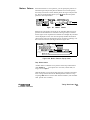
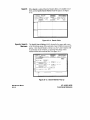
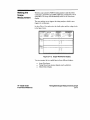
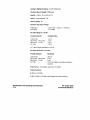
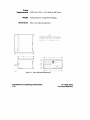
menus. When you select this field, the Stop Measurement Parameters
pop-up appears (see figure 12-4). The first field in this pop-up, just to
the right of Stop measurement contains either Off, X-O or Compare.
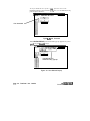
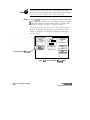
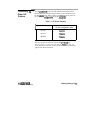
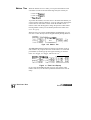
When this field is selected, a pop-up appears in which you select
Compare. When you select the Compare option, you can access and
select either the Equal or Not Equal option in the next field to the right.
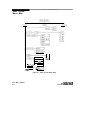
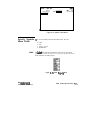
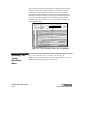
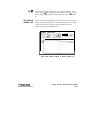
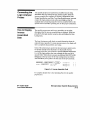
Figure 12-4. Specify Stop Measurement Field
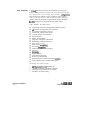
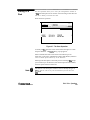
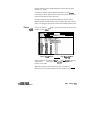
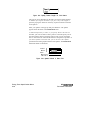
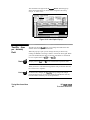
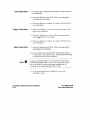
Also available is Store exception to disk which allows you to specify a
file on the disk that exceptions can be stored in. The default filename is
EXCEPTION.
HP 16528/l 6538
Front-Panel Reference
State Compare Menu
12-7