1
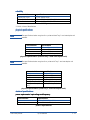
upgrades
model upgrades
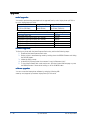
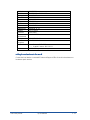
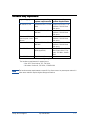
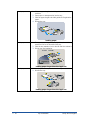
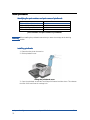
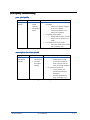
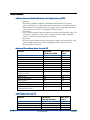
You need to purchase the auto-duplex unit to upgrade from hp color inkjet printer cp1700 to
hp color inkjet printer cp1700d.
base model sku
upgrade option
upgraded sku
hp color inkjet printer
Auto-duplex
hp color inkjet printer
cp1700 (C8108A)
unit(C8219A)
cp1700d (C8106A)
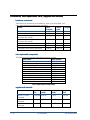
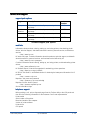
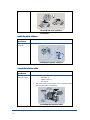
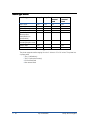
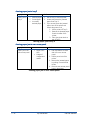
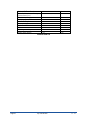
You can purchase the following accessories to upgrade the printer hardware.
accessory
upgrade option
2nd Input paper tray
hp jetdirect 200m print server (LIO module)
hp jetdirect 250m print server (LIO module)
hp jetdirect 170x external print server
hp jetdirect 175x external print server
hp jetdirect 300x external print server
C8220A
J6039A
J6042A
J3258A
J6035A
J3263A
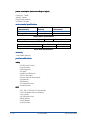
firmware upgrades
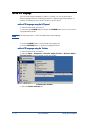
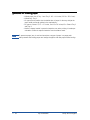
To flash your printer with the latest firmware flash code, perform the following steps:
1. Download the latest firmware flash code
2. Set the printer in manufacturing mode by holding down the RESUME button and hitting
the POWER button.
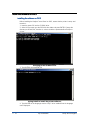
3. Initiate the DOS prompt.
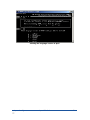
4. At the MS-DOS prompt enter the command "copy/b<filename>/lpt1:"
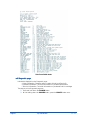
5. To check the firmware flash code version sent, print the 4-button self-test page or press
the RESUME button 5 times while holding on to the POWER button
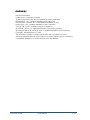
software upgrades
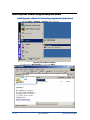
You can access the latest printer software by using the following URL:
www.hp.com/support/hp business inkjet printer cp1700 series
1 - 28
hp confidential
tour of the product