1
MINUTO
05 TROUBLESHOOTING
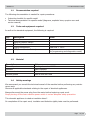
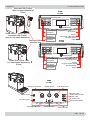
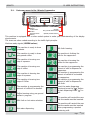
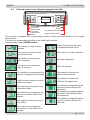
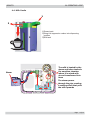
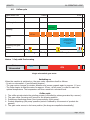
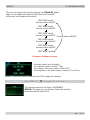
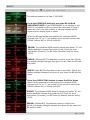
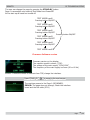
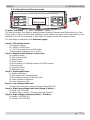
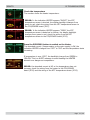
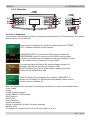
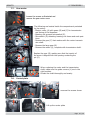
Check the temperature
The number shows the heater temperature .
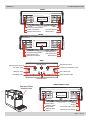
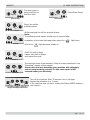
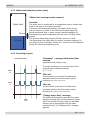
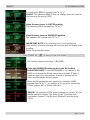
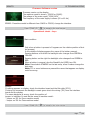
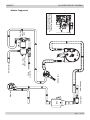
ERROR: In the indication HEATER appears “SHORT”, the NTC
temperature-sensor is shorted, the display backlight changes from
green to red; check the wiring from the NTC temperature-sensor to
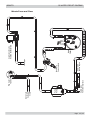
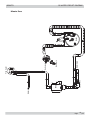
the CPU/POWER board (JP13).
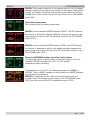
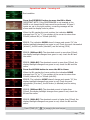
ERROR: In the indication HEATER appears “OPEN”, the NTC
temperature-sensor is detached or broken, the display backlight
changes from green to red; check the wiring from the NTC
temperature-sensor to the CPU/POWER board (JP13).
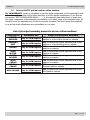
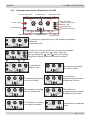
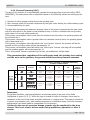
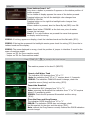
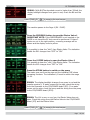
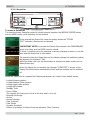
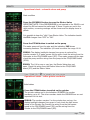
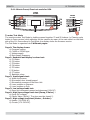
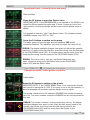
Press the ESPRESSO button to switch on the Heater
The absorbed current ( Amperometer on the main supply) is OK, the
indication HEATER changes from “OFF” to “ON” and the temperature starts
increasing.
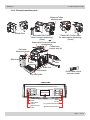
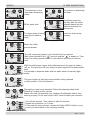
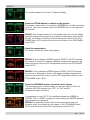
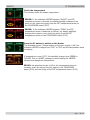
If temperature is over 135°C, the backlight change from GREEN to
YELLOW. This is a ALERT message to avoid heating the HEATER
element over dangerous temperature.
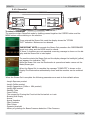
ERROR: the absorbed current is KO or the temperature does not
increase; check the wiring from the heater to the CPU/POWER
board (JP19) and the wiring of the NTC temperature-sensor (JP13).
Page 21 / 46